AI Cost Calculator
Work out what an AI feature costs per month and per year across the 2026 models, ranked cheapest first.
This AI cost calculator works out what an AI feature really costs per month and per year before you ship it. You give it four numbers: average input tokens per call, output tokens, monthly call volume, and a caching ratio if you run one. We then return the cost per call and per month across GPT-5.5, GPT-5 mini, Claude Opus 4.8, Sonnet 4.6, Haiku 4, Gemini 3 Pro and Gemini 3 Flash, ranked cheapest first. We project the year and the three-year total, mark the break-even between a flagship and a smaller model, and show where prompt caching halves your input bill. Output bills at three to five times the input rate, so a talkative feature always costs more. These are 2026 list prices, so add your own batch or enterprise discount on top. Everything runs in your browser, so nothing you paste is uploaded.
100% in your browser. Nothing you type ever leaves this page.

Monthly AI bill simulator
This AI cost calculator works out what an AI feature costs per month and per year before you commit to it. You give it four things: average input tokens per call, output tokens, monthly call volume, and a caching ratio if you run one. We return the cost per call and per month across GPT-5.5, GPT-5 mini, Claude Opus 4.8, Sonnet 4.6, Haiku 4, Gemini 3 Pro and Gemini 3 Flash, ranked cheapest first. We project the year and mark the point where a smaller model does the same work for a fraction of the spend. It helps anyone sizing a budget before launch. Everything runs in your browser, so nothing you paste is uploaded.
These are 2026 published list rates. On a batch API or an enterprise contract? You'll pay less than what's here. Cached input runs about 10% of the standard input rate at most providers.
What an AI cost calculator does before you ship a feature
Per-call AI cost is sneaky. One call to GPT-5.5 or Opus 4.8 costs a fraction of a cent. Feels basically free, so nobody thinks twice during the demo. Then you multiply by a million calls a month and that same harmless feature lands on a finance review with five figures next to it. Four things drive the number: input tokens per call (your system prompt plus retrieved context plus chat history plus the user's message, all summed), output tokens per call (which usually run three to five times the input rate), monthly call count, and how much input you can cache. I wanted those four knobs in one spot, side by side across the main 2026 models, so the flagship-or-mid-tier-or-tiny call gets made before the code ships. Not after the bill lands.
Honestly, the bigger use I get out of it is as a gut check. Here's the pattern I keep watching: a feature gets prototyped on the smartest model in the room, it works, and nobody ever circles back to try it on something cheaper. So run your actual token sizes through the table. You find out fast whether dropping from Opus 4.8 to Sonnet 4.6 really cuts the bill by 5x, or whether caching at 80% roughly halves your input cost. Or whether your workload is so output-heavy that the output price is the only number that matters and the cheap input rate is a red herring you've been chasing.
How AI billing actually works in 2026
Six years on, the billing model is still the one OpenAI shipped back in 2020. You pay per token, and input and output carry different rates. Input is everything you send up: the system prompt, chat history, whatever chunks your RAG layer pulls in, function definitions, the user's message, those few-shot examples you forgot you left in. Output is what comes back, the final answer plus any reasoning traces you asked for. Output costs more. Every single time. Writing a token burns more GPU than reading one, full stop. On top of that, vendors hand you a couple of levers: cached input (tokens they've seen recently, billed at a sliver of normal), batch APIs (run it async, pay half), reserved capacity once you're big enough to ask nicely.
- Count the tokens you will send: add up the system prompt, history, retrieved context, the user message. That sum drops into the "input tokens per call" field.
- Estimate the tokens the model will return: the rough rules I lean on, a short classification answer runs 5-30 tokens, a chatbot reply 100-400, a structured JSON blob 200-2000, a full article rewrite anywhere from 500-3000.
- Multiply by the call volume: monthly active users, automation runs, cron jobs, retries. If it fires off a call, it counts. Retries are the part people forget, and they bite.
- Apply the cached input share: say 80% of your input is a fixed system prompt plus stable RAG context. Caching drops that chunk to roughly 10% of the normal input price.
- Compare across models: the exact same workload might run $30 a month on Haiku 4, $180 on Sonnet 4.6, $300 on Opus 4.8 standard, or $600 on Opus 4.8 fast mode if you're paying for the 2.5x throughput. Whether the quality or latency bump justifies that jump, well, that's the real question.
Common use cases for the calculator
- Budgeting a new AI feature. Before you sign off on a roadmap item, run expected calls times expected tokens for every model you're weighing. Walking into a finance review with one page that already shows monthly and annual numbers for each candidate? That saves you an entire round of back-and-forth.
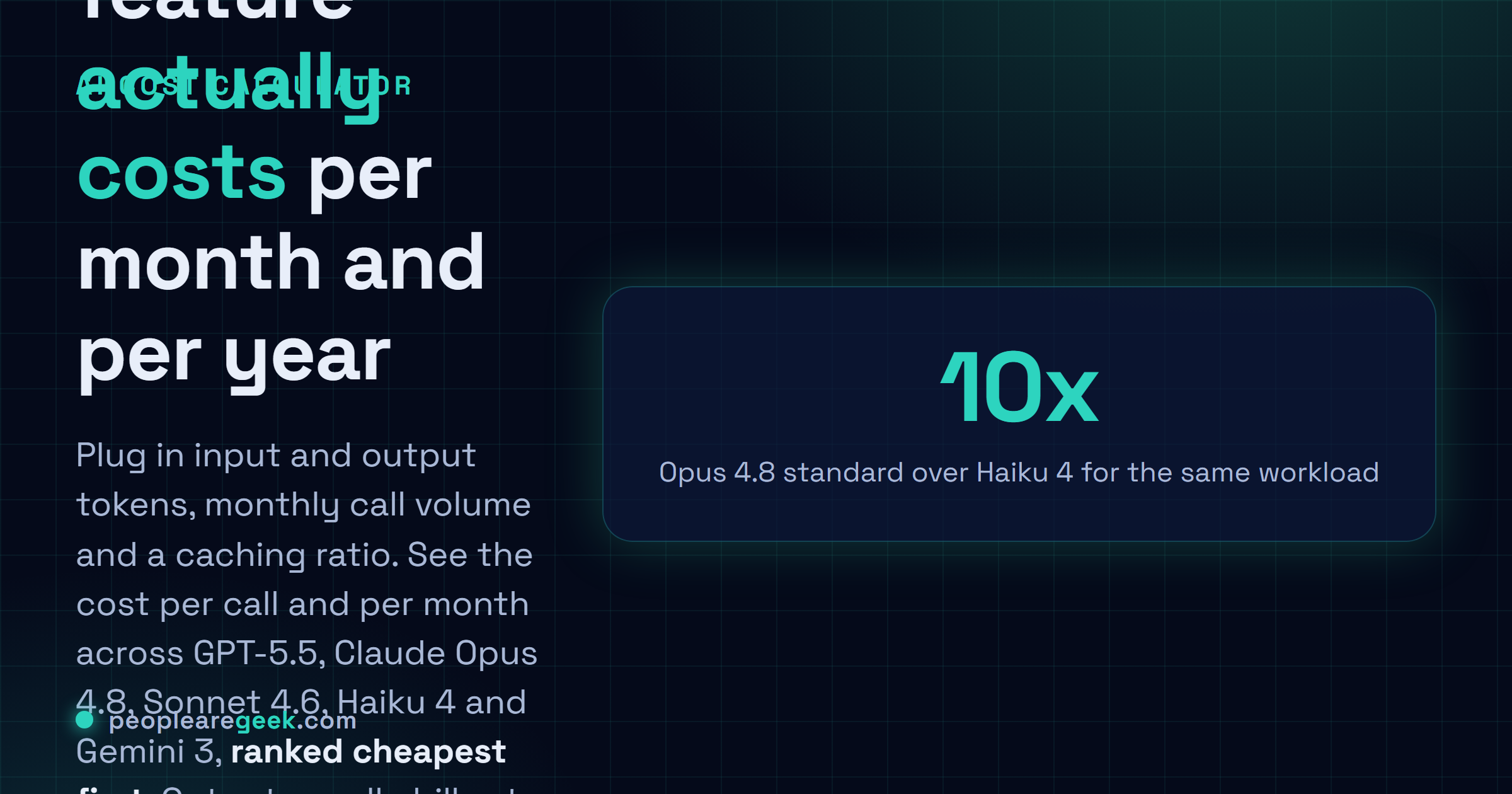
- Choosing between flagship and mini. Opus 4.8 standard sits about 10x above Haiku 4 now, and that's already after Opus 4.8 cut the old 30x premium at its May 28, 2026 launch. For short classification, routing, simple drafting, the small model is almost always the right call. This just turns that gap into something you can point at instead of hand-wave about.
- Sizing prompt-caching impact. Caching is one of the biggest levers you've got in 2026. Most people underuse it badly. Punch in your cache ratio (70-90% is normal for a stable RAG setup) and watch what it does to each model's bill. The vendors with the deepest cache discounts, Anthropic and OpenAI, pull noticeably ahead once your ratio climbs.
- Comparing reasoning models versus standard. Reasoning modes (long chains of thought, agent loops) chew through far more output tokens than a plain chat reply. Run the same job at 200 output, then at 2000. Watch the ranking flip. Plenty of workloads are fine on Sonnet 4.6 with reasoning on but genuinely painful on Opus 4.8.
- Planning a migration. If something's on Opus 4.8 standard today and Sonnet 4.6 clears your quality bar, the annual table tells you exactly how much budget you claw back by switching. Here's the catch though. With Opus 4.8 now only about 1.7x Sonnet (it used to be 5x on older Opus releases), the move only pays back when volume is high or the quality gap honestly doesn't matter for your case.
- Pricing your own product. Wrapping an AI API in a SaaS? The per-call cost here is your floor. Charging 3-5x the model cost is the usual starting point, and this turns that math into a five-second check instead of a spreadsheet.
Limitations and accuracy notes
Read this as an estimate, not an invoice. It's list price, nothing more. Your real bill can land lower thanks to negotiated rates, committed-use discounts, batch APIs, the occasional free monthly tier. Or it can land higher: retries, function-calling overhead, image and audio surcharges, outputs that ran way longer than you planned for. And remember, the tokens you type are an average. Real traffic has a long tail. I've watched a 10% bump in output tokens drag a bill up 5-15% all by itself. So when it actually matters, run it three times (baseline, plus 20%, plus 50%) and size capacity off the high one. The 2026 prices baked in here are whatever each vendor had posted publicly on the publish date. The moment someone reprices, this goes stale and needs a refresh.
One thing I'll say flat out: this never phones home. Nothing about your workload leaves the page. Not to PeopleAreGeek, not to anyone. Paste real volumes, prototype costs, confidential planning numbers, whatever you've got sitting in a tab. The math is just a handful of multiplications anyway: input tokens times the input price minus the cache discount, plus output tokens times the output price, the whole thing times your call volume.
Frequently asked questions
Why is the output price always higher than the input price?
Because writing costs more than reading. Every output token means another full forward pass through the model, so the GPU time per token going out just runs higher than for tokens coming in. That's why every major vendor prices output at three to five times the input rate. And it's why a chatty feature with long replies will always cost more than a search feature firing back two-word answers.
What is prompt caching and how do I model it?
Caching means you pay roughly 10% of the normal input price on tokens the vendor has seen recently. It's basically free money whenever you reuse a big system prompt or the same RAG context across a lot of calls. To model it, work out what share of your input actually stays the same (usually 60-90% for a real RAG system) and drop that number into the Cached input % field.
Should I always pick the cheapest model?
No. Chasing the cheapest model is exactly how you ship something that quietly falls apart on the hard cases. A classifier or a router? Haiku 4 or Gemini 3 Flash will do fine. A coding agent, a structured extraction job, a chatbot facing your actual customers? That usually wants Sonnet 4.6, GPT-5.5 or Opus 4.8. The honest move, and I will die on this hill, is to run evals on your own samples and take the cheapest model that clears your accuracy bar. Not the cheapest model, period.
How accurate are the published 2026 prices baked into this calculator?
They're each vendor's publicly posted list price as of the day this went live. Accurate, sure, but accurate for the list. If you're an enterprise account you've almost certainly negotiated your own rates. Batch APIs knock 50% off. Caching takes 90% off the share it covers. What you see here is the unadjusted sticker price, so layer your own contract or batch discount on top.
Why does the same workload sometimes look cheaper on Gemini and sometimes on Claude?
It comes down to your input-to-output ratio. In 2026 Gemini 3 undercuts Claude on input, while Claude holds its own on output. So a workload that's all input with a tiny answer (big RAG context, two-line reply) tends to land on Gemini. Flip it to heavy output, say long generation or an agent loop, and Claude or GPT-5.5 can pull ahead. Don't guess at it. The ranked tab tells you who wins for your exact numbers.
Is the calculation data sent anywhere?
No. Every multiplication runs right here in your browser. The volumes you type, your cache ratio, whichever preset you clicked, all of it stays on your machine. Use it for sensitive financial planning all you like. Those numbers never go over the wire.