


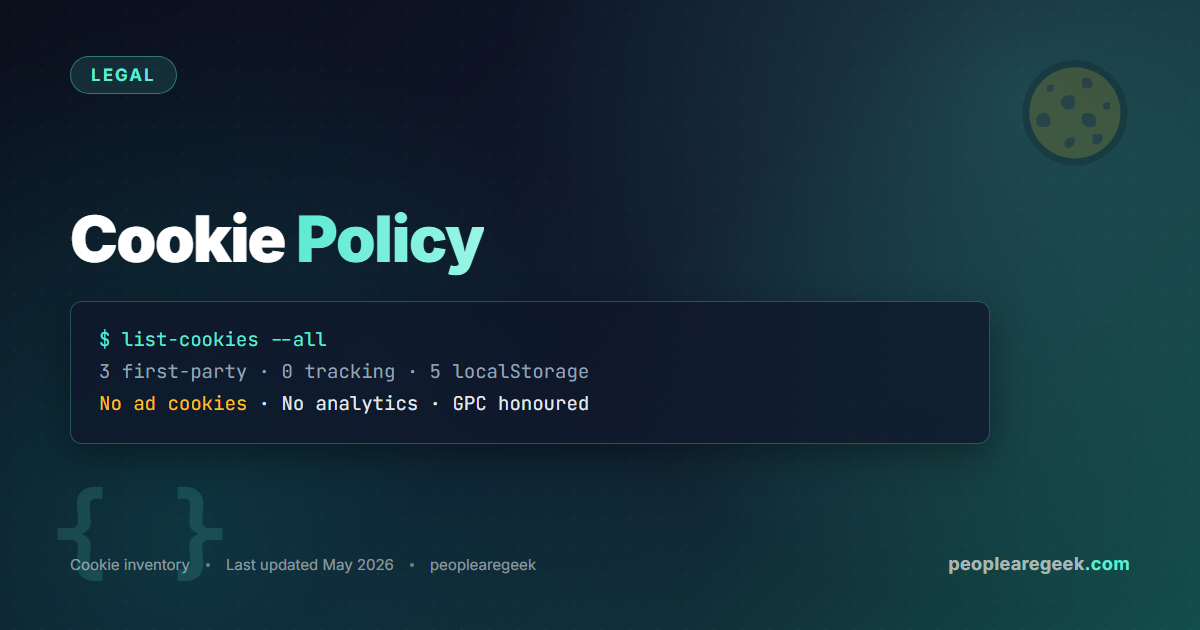
This Cookie Policy explains every cookie and browser storage entry the Site uses, what it does, how long it lasts, and how to control it. It complements our main Privacy Policy. We aim to use as few cookies as possible and to label every one of them clearly.
What is a cookie?
A cookie is a small text file stored in your browser by a website. Sites use cookies to remember your session, your preferences, or to track behaviour across pages. Adjacent technologies — localStorage, sessionStorage, IndexedDB — work similarly but store more data and are not automatically sent back to the server. We list both types below.
Cookies set by this Site
The Site itself sets very few cookies. The full list of currently active first-party cookies:
| Name | Purpose | Duration | Type |
|---|---|---|---|
wordpress_test_cookie | Detect whether your browser accepts cookies (set briefly during login or comment submission) | Session | Essential |
comment_author_* | Pre-fill your name and email when you leave additional comments (only set if you comment and tick the relevant box) | 1 year | Functional |
wp-settings-* | Save preferences for logged-in administrators only (theme, dashboard layout). Not set for regular visitors. | 1 year | Functional |
Browser localStorage entries
Our online tools use localStorage to persist state across sessions. Nothing here is sent to the server; it stays in your browser. Clearing your browser data wipes it. The list:
| Key | Tool | What it stores |
|---|---|---|
securityWatch.list | SecurityWatch | List of sites you monitor |
securityWatch.snapshots | SecurityWatch | Snapshot history of probes |
cyberAuditSuite.history | Cyber Audit Suite | Last 30 scans |
netsecai.apiKey | NetSecAI | Optional API key (Anthropic / OpenAI / Gemini) that you provide for AI mode |
netsecai.provider | NetSecAI | Last-used AI provider |
localStorage entries are never transmitted to our servers. The API key in NetSecAI goes directly from your browser to the AI provider you selected, using the URL of their official API. We have no proxy.Cookies set by third-party services
| Source | Cookies | Purpose |
|---|---|---|
| Cloudflare (if active) | __cf_bm, cf_clearance | Bot management and challenge tokens; security-essential, no behavioural tracking |
| Gravatar (when comments display avatars) | None set client-side; the avatar request shares your IP with Automattic | Avatar rendering |
At the time this Cookie Policy was written, the Site does not display third-party advertising and does not include any analytics or tracking pixel. If we add advertising later (Google AdSense or similar), we will list the cookies here, add a consent banner for visitors in the EU/UK, and announce the change on the homepage for at least 14 days before activation.
How to control cookies
Browser controls
Every modern browser lets you view, block or delete cookies through its settings panel. The path is typically:
- Chrome / Edge: Settings > Privacy and security > Cookies and other site data.
- Firefox: Settings > Privacy & Security > Cookies and Site Data.
- Safari: Preferences > Privacy > Manage Website Data.
You can block all cookies, block only third-party cookies, or block cookies for specific sites. Blocking cookies entirely may cause our comments form to malfunction (the test cookie will not persist) but does not affect the tools, which work without cookies.
Clearing localStorage
The same browser settings panel offers a “Site data” or “Clear browsing data” option that removes localStorage entries. To clear only this Site’s data, open the developer console (F12), go to Application > Storage > Local Storage, find the peoplearegeek.com entry, and delete the keys you want.
Do Not Track and Global Privacy Control
The Site honours the Global Privacy Control signal. If your browser sends GPC, we treat it as a request to disable any future tracking cookies. The legacy Do Not Track signal is also respected for the same purpose. Currently this changes nothing because we do not track; the signal is preserved for the future.
Changes to this Cookie Policy
Any change to the list of cookies or localStorage entries we use will be reflected in the tables above with a new “Last updated” date. Material changes (new tracking cookies, new third-party services) will be announced on the homepage before they take effect.
Questions
If you have a question about a specific cookie or storage entry, write to contact@peoplearegeek.com with “Cookies” in the subject line.

