Phishing URL Checklist
Paste a suspicious link, read the real hostname and root-domain clues, decode nested redirects, score the phishing signals and plan safe actions.
This phishing URL checklist pulls a suspicious link apart right in your browser, so nothing you paste ever leaves the page. Most phishing links look fine at a glance, which is the whole point, so the tool reads the protocol, the hostname, the root-domain guess and the subdomain chain for you, then decodes the path and query parameters and digs out any second URL hiding inside a redirect. It scores the visible warning signs: punycode hostnames, brand words in the wrong domain, user-info tricks before an at-sign, shorteners, risky download extensions and that panicky account-security tone. None of it is a verdict. A clean score does not mean safe and a messy one is not always dangerous, so it never opens the destination and hands you a list of safe next actions instead. Load the built-in samples to see how a login lure, a user-info trick and a short link each look.
100% in your browser. Nothing you type ever leaves this page.

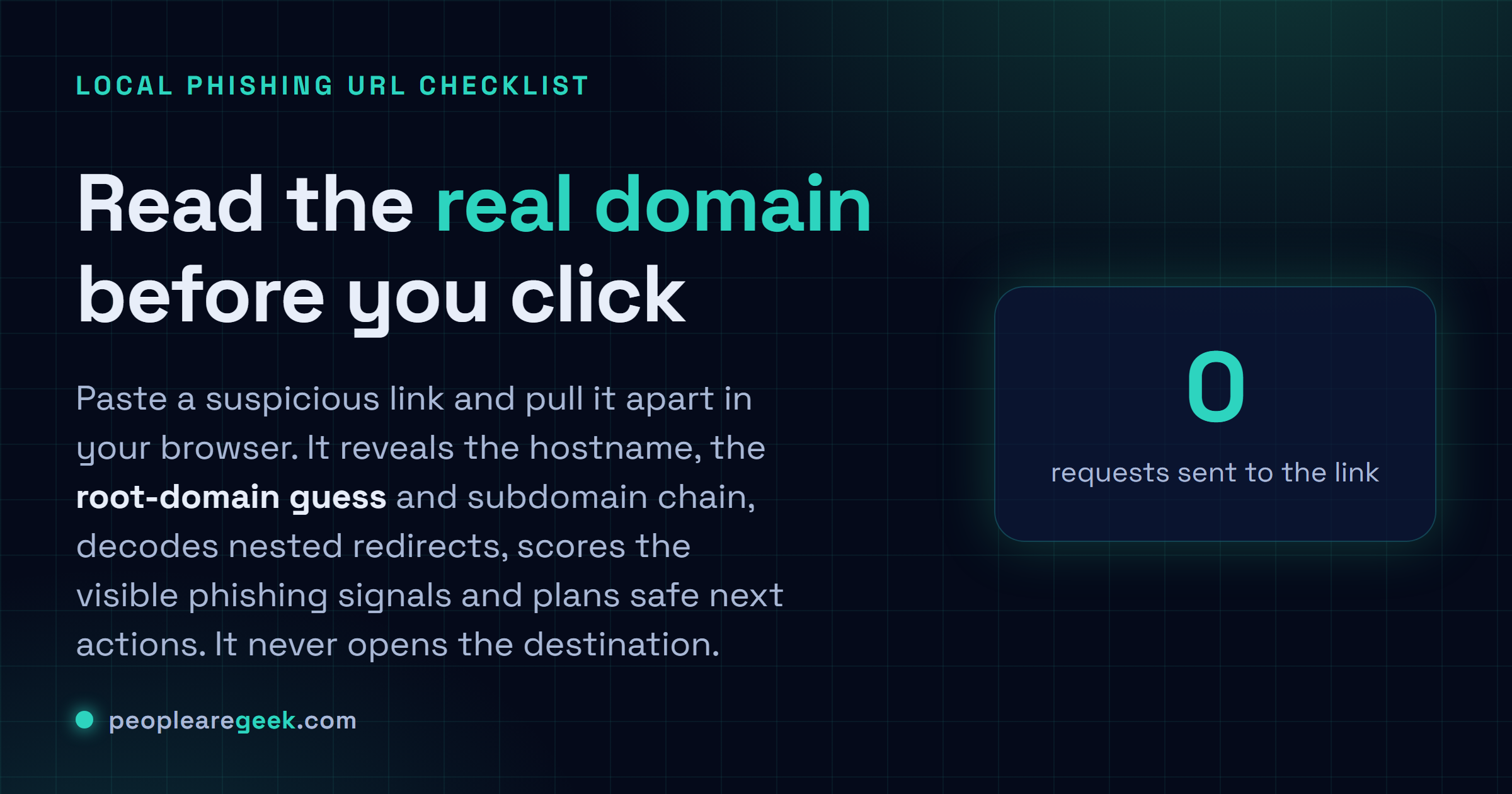
Local phishing URL checklist, link parser, decoded view and safe action planner
Paste the link. Before you click anything, let this pull apart the real hostname, the root-domain guess, the subdomain chain. It also flags user-info tricks, weird encoded characters, shorteners, file downloads, and any redirect URL hiding inside another one. Then you decide: click, report, or just delete it and move on.
It never opens the destination, and it won't promise you a link is safe. Think of it as a static checklist. It just makes you slow down and look at the real domain.
A phishing URL checklist is a pause button, not a magic verdict
This phishing URL checklist runs right in your browser, so nothing you paste ever leaves the page. Most phishing links look fine at a glance. That is the whole point. The page copies a brand you trust, the visible text reads like a normal address, and the actual destination sits buried somewhere you won't look: a bloated hostname, a redirect parameter, a short link, a QR code. Honestly, the one habit that has saved me more than any tool is just reading the real hostname before I type a single password or card number. It tears the link apart without opening it, showing the protocol, the hostname, the root-domain guess, subdomains, the path, query parameters, decoded layers, plus any URL nested inside. Then it scores the visible warning signs: punycode hostnames, brand words in the wrong domain, sketchy top-level domains, file extensions that have no business in a login link, that panicky account-security tone. None of this is a verdict. A clean score does not mean safe, and a messy one does not always mean dangerous.
How to review a suspicious link
Read the hostname backwards, right to left. So in login.brand.example-security.test, the part actually in charge is example-security.test. Not brand, which is just there to fool your eyes. Turn the suspicion way up the moment a link wants you to sign in, pay something, open a file, or approve a security alert. And if it claims to be from a service you actually use? Do not follow the link. Type the address yourself, or click the entry in your password manager.
- Do not enter passwords if the link showed up out of nowhere in an email, a text, or a chat. Wait.
- Check the root domain and I mean the actual registered part, not just the first word you see.
- Decode redirects any time a query parameter is quietly carrying a second URL.
- Use a password manager; on a fake domain it just sits there and refuses to autofill, which tells you plenty.
- Report business links through whatever your security process is. Before you touch them, not after.
Common phishing URL patterns
The at-sign trick is sneaky. Everything before the @ looks legit, but your browser quietly opens whatever comes after it instead. Punycode is another one, where international characters get encoded into something your eye skims right over. Shorteners just hide the real destination until a preview service expands them. And those endless subdomain chains? They bury the genuine domain somewhere in the middle of the string, hoping you stop reading before you get there. Encoded parameters can stash a redirect, or worse, inside a URL that otherwise looks totally ordinary.
Sources and further reading
Frequently asked questions
Can this tool prove a link is safe?
Nope. A clean check proves nothing, sorry. A phishing domain registered an hour ago can look perfectly tidy, and a real marketing tracking link can look like absolute garbage. So treat a good score as a nudge to go verify through the official channel, never as a green light.
Does the tool visit the suspicious URL?
No, and that is deliberate. It just reads the string locally. It never fetches the target page. That keeps you out of trouble and means the attacker server never even learns you looked.
What should I do with a high-risk link?
Whatever you do, do not click it from the message it came in. Grab a screenshot if you need proof, pass it to your provider or security team. Then, if you genuinely need to check your account, go open the real service yourself in a fresh tab.
Is HTTPS proof that a site is safe?
I really wish it were, but no. The little padlock only says the connection is encrypted. It says nothing about whether the people running the site are honest. Scammers grab free certificates all day long, so the padlock is basically free for them too. Judge the domain and what is on the page, not the lock.