SecuChecker WordPress Security Scanner
Free WordPress security scan that pokes at the gaps behind most real break-ins, then hands back a posture score and a fix list ranked by severity.
This WordPress security scanner points at any public site and pokes at the gaps that cause most real break-ins: missing HTTP security headers, a soft TLS setup, version numbers left lying around, an open xmlrpc.php, a readme.html anyone can read, a browsable wp-includes directory, and usernames leaking out the REST API. You get a posture score from 0 to 100, each finding tagged with a severity, and fixes ranked so you can forward the list to whoever runs the box. The probes are plain HEAD or GET reads, no logins, no fuzzing, calm enough to run on production. They fire from the PeopleAreGeek server to dodge the CORS wall, and nothing is logged on our end.
Queries run through the PeopleAreGeek lookup service. We log nothing.

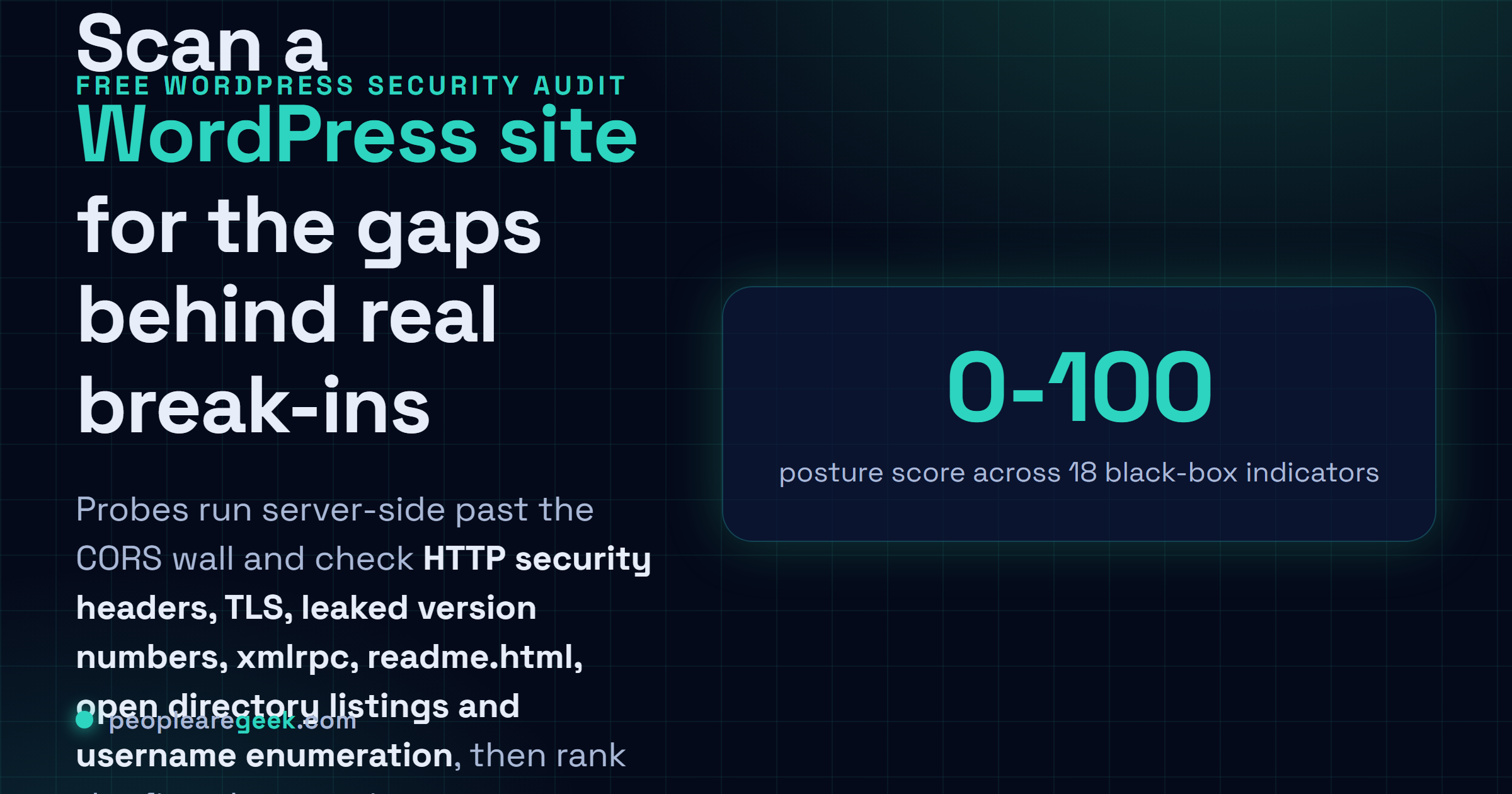
What SecuChecker scans on a WordPress site
Here's the slightly depressing part. Most WordPress break-ins in 2026 still trace back to the same boring gaps. No Content Security Policy. An HSTS header that nobody bothered to send. A default xmlrpc.php sitting there, basically inviting credential brute-forcing. A readme.html that cheerfully announces your exact WordPress version to anyone who asks. A wp-includes listing wide open, plugin and core code on display. Or that REST endpoint at /wp-json/wp/v2/users handing out author logins. SecuChecker hits all of those in one pass and hands back a score, so you spend your time on the fixes that actually shrink the attack surface instead of the ones that just feel productive.
Full depth touches eighteen indicators. Quick mode does twelve. The HTTP layer reads your response headers and pulls apart HSTS, CSP, X-Frame-Options, X-Content-Type-Options, Referrer-Policy, Permissions-Policy, plus what the server says about itself and how it caches. The TLS layer checks whether the cert's valid, how many days are left before it expires, and which subject alternative names it covers. The WordPress layer? It eyeballs the generator meta tag, the readme file, the directory listings, the REST users endpoint, the XML-RPC endpoint. Every check comes back pass, warn, or fail, with the actual line that tripped it, a severity (high, medium, low, info), and one line on how to fix it. And again, none of this is intrusive. No logins, no fuzzing, no exploit attempts. Just public reads that any random visitor could do by hand.
How the WordPress security checker works
- Validate the URL and pin down the hostname so TLS has something to probe.
- Fetch the homepage through the PeopleAreGeek server, then read every response header that comes back.
- Parse security headers and score each against the OWASP secure-headers guidance for 2026.
- Probe the TLS endpoint on port 443. Reads the cert metadata (issuer, validity, SAN) and works out the days left.
- Probe WordPress-specific paths:
/readme.html,/wp-login.php,/xmlrpc.php,/wp-includes/,/wp-content/uploads/,/?author=1,/wp-json/wp/v2/users. Capture HTTP status, length, key headers. - Read the home HTML hunting for the
generatormeta tag (it usually blabs your exact WordPress version) and any plugin fingerprints sitting in plain sight. - Score and rank findings by severity, then roll it all into one posture number from 0 to 100.
Common use cases for SecuChecker
- Pre-launch hardening. Run it right before a new site goes live. Catches the missing headers and the default files you forgot to delete.
- Monthly security review. Re-scan after a core update, a new plugin, a hosting move. Config drift quietly causes about half the regressions I've ever chased.
- Vendor due diligence. Sizing up a freelancer or an agency? Scan the sites in their portfolio and see if the security talk in the pitch actually holds up.
- Compliance evidence. Lots of the lighter frameworks (GDPR security, an ISO baseline) just want proof you checked. The downloadable report covers the WordPress slice of that.
- Incident triage. After something smells off, the scan tells you whether the easy doors are still hanging open. Shutting them is usually step one of containment.
- Lead magnet for agencies. Freelancers and small shops lean on the public scan as an opener, a way to start the conversation before pitching a real audit or managed hosting.
Limitations and ethical scanning notes
SecuChecker is a black-box scanner, and a polite one. It never logs in. It won't POST a form, won't go hunting for SQL injection or remote code execution, won't do anything a sane person would read as an attack. It reads public endpoints and lines the responses up against a checklist of known WordPress posture tells. So a clean report is a good start, sure, but it's not the same thing as a real audit. Buggy plugin code, weak passwords, role escalation, malware already running on the box: all of that sits outside what a scanner like this can see. Want the deeper look, with authenticated plugin review and code-level findings? There's a full WordPress audit with a PDF report for 49 euros (the upsell card in the Summary tab has the details).
One rule, and please take it seriously: only scan sites you own, or have clear permission to scan. Fire automated probes at someone else's box and some hosts will treat it as a hostile move, fair enough. SecuChecker throttles itself per session to stay well under any reasonable alarm, but the ethics part is on you, not the tool. And worth knowing: every probe goes out from the PeopleAreGeek server, so that's the IP the big CDNs will see and log.
Frequently asked questions
What does the posture score mean?
It's a weighted total out of 100, each control worth somewhere between 5 and 15 points. Hit 85 or higher and you've got a hardened baseline. Land in the 60 to 85 range and you're missing a few controls, though nothing's critically exposed. Drop below 60 and there are real high-severity gaps, the kind an opportunistic attacker can spot from the outside without trying hard.
Is the scan safe to run on a production site?
Yeah, it's fine. The probes are HEAD or GET requests against public URLs, sent at a calm pace. Nothing gets POSTed, no forms submitted, no brute force, no fuzzing. Most WAFs don't even blink, because the traffic looks just like a normal search-engine crawl wandering through.
Why does the scan flag my exposed WordPress version?
A version number on display does an attacker a favour: it trims the CVE list down to exactly what might work against you. Fix is small. Strip the generator meta tag with a plugin or a quick theme tweak, then delete or lock down the readme.html sitting at your document root.
Should I disable xmlrpc.php?
If you're not leaning on the Jetpack app, the WordPress mobile apps, or remote publishing, then yes, kill it. xmlrpc.php is the old login endpoint that people have abused for years, both for brute-forcing and for pingback amplification. Block it at the web server, or let a security plugin handle it.
Does a clean scan mean my site is secure?
No, and I'd be wary of anyone who says otherwise. A clean scan just means the easy gaps are shut. Plugin bugs, weak passwords, someone getting phished, a poisoned dependency upstream: none of that shows up here. If you want real assurance, an authenticated audit is the honest next step.