Uptime Checker
Probe a URL several times, pick what counts as up, read the success rate and latency, then size the downtime budget.
This uptime checker hits a public URL a few times in a row and lets you decide what counts as up for the run, whether that means clean 2xx responses only, redirects allowed, or anything that is not a server error. Our backend runs the repeated server-side checks and clocks each response, so you get the observed success rate, the status set, the average, fastest and slowest latency, and the spread between them in one pass. It then converts an availability target into a plain downtime budget per day, week and month, because 99.9 percent only feels real once you turn it into time. Run it right after a deploy, a host migration, a DNS change or a plugin swap to calibrate an endpoint, then leave the round-the-clock watching to a real scheduled monitor for anything that genuinely matters.
Queries run through the PeopleAreGeek lookup service. We log nothing.

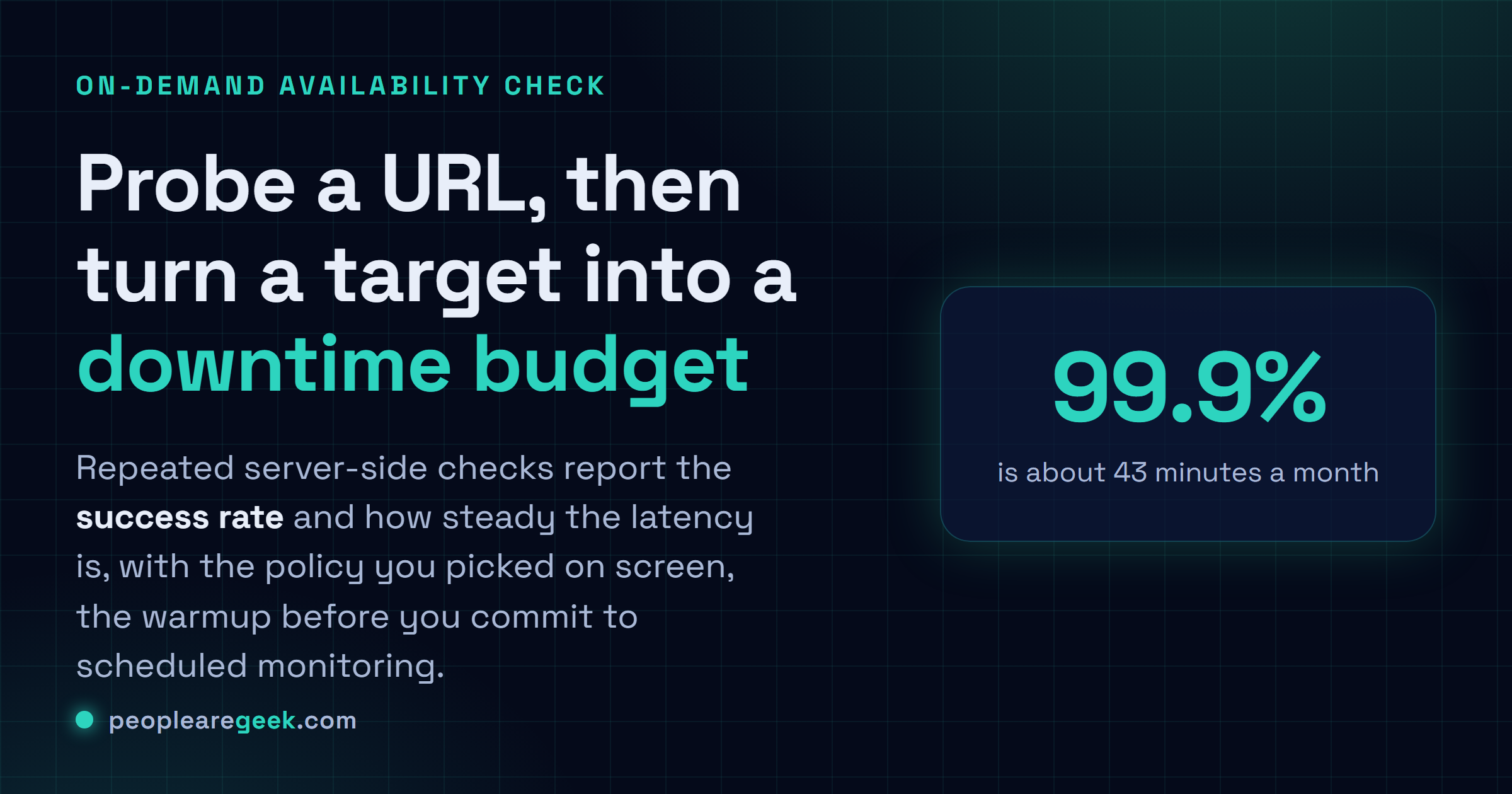
On-demand availability and uptime budget check
Hit a public URL a few times in a row. You decide what counts as "up" for this run. Then read the success rate, watch how steady the latency is, and line that up against an uptime target and its downtime budget. Think of it as the warmup before you commit to real scheduled monitoring.
This page pulls a live snapshot from the PeopleAreGeek backend. A proper uptime monitor goes further: a schedule, checks from more than one region, alerts that reach the right person, and history you can scroll back through.
What this uptime checker measures
Uptime gets talked about like it's one number. In practice you start with a run log. Did the URL keep answering? Which HTTP statuses came back? And were the checks reliably quick, or did one probe drag on while the rest were fine? That first pass is what this is for. It samples a URL a handful of times, gathers the results, and lets you pick the rule: accept only clean 2xx responses, let redirects slide, or count anything that isn't a server error as an answer.
The policy you pick really does change the story. A homepage that quietly turned into a 404 isn't "available" in any way that helps you, even though a web server technically replied. An API health endpoint might demand a strict 200. A probe mid-migration can fairly count a deliberate redirect while the redirect rules get verified somewhere else. The tool keeps that choice on screen, so the percentage isn't some mystery you have to reverse-engineer.
Manual checks and real monitoring are different jobs
An on-demand test earns its keep right after you touch something: a deploy, a host migration, a plugin swap, a new firewall rule, a DNS change, or a vague support email that's making you nervous. It hands you evidence now. Scheduled monitoring is the other thing entirely, evidence over time. It catches outages while nobody's watching the page, keeps the incident history, pings the right person, and lets you compare regions. Honestly, I'd use this page to diagnose and calibrate, and leave the round-the-clock watching to a real monitor for anything that actually matters.
How to read success rate and latency together
A flawless success rate paired with jittery latency? Still worth a look. Slow first responses are often the first hint of something building underneath: queueing, PHP workers maxing out, database pressure, cache misses, an upstream having a bad day. One slow outlier proves nothing, sure. But a wide spread inside a short run is the kind of thing I'd save in the report and check back on later, just in case it's a pattern and not noise.
- Success rate tells you how many runs cleared the policy you picked.
- Status set shows whether the endpoint stayed consistent or wandered.
- Average, fastest and slowest sketch a rough latency envelope.
- Spread is just how far the slowest run drifted from the fastest one.
- Run log keeps every status and timing in plain sight, rather than burying the evidence under a single score.
Uptime target and downtime budget
A target only feels real once you turn it into time. 99.9 percent leaves you a much tighter monthly budget than plain 99 percent does. And a stricter number isn't just a number, it needs habits behind it: monitoring, someone who actually owns the alerts, maintenance you planned instead of stumbled into, incident reviews, dependencies that fail without taking everything down with them. The table here is a planning aid, nothing more. Eight good checks don't magically become a monthly SLA.
For a small WordPress site the takeaway is pretty plain. Your important pages should answer reliably after the routine stuff you do to them. Find failures in a run? Fix status and availability before anything else. If the run's available but slow or twitchy, go poke at caching, server load, the heavy plugins, redirects, and third-party calls first, well before you promise an uptime target the setup can't actually back up.
A useful uptime troubleshooting routine
- Probe the exact public URL your users or integrations actually hit, not a close-enough one.
- Pick the response policy that fits that URL's role, and keep it strict.
- Hang on to the run log whenever the status shifts or the latency spread blows out.
- When the failure isn't obvious, go check website status, redirects, SSL, and headers.
- Add scheduled monitoring anywhere a missed outage would genuinely cost you something.
Frequently asked questions
Is this the same as a status checker?
Nope. The status checker walks one response path in detail. This one cares about repeated availability samples, the policy you choose, and downtime budget context instead.
Should redirects count as uptime?
Only if that is the point of the probe. For a canonical public page, test the final URL directly and skip the hop. For an old URL mid-migration, a deliberate redirect might be exactly the behavior you wanted.
Can this prove a 99.9 percent SLA?
No, and it does not pretend to. A quick manual run cannot stand in for scheduled measurements across the whole reporting period. What it can do is tell you whether the endpoint looks healthy right this second.
What does 99.9 percent uptime actually allow?
Roughly 43 minutes of downtime a month, call it 8.7 hours a year. Push to 99.99 percent and you are down to about 4 minutes a month. Every extra nine costs a lot more than the last one, in money and in effort.
How often should I poll for uptime?
Somewhere in the one-to-five-minute range usually hits the sweet spot. Often enough to catch a short outage, not so often that you are hammering the server or tripping its rate limits.