Choosing a Linux distribution in 2026 should not be a popularity contest, yet that is how the question usually gets answered. Here is how I actually work the problem: four inputs that move the needle, weighed in order. What your team already knows. What your auditors will sign off on. What your apps flatly demand. How much support you are willing to pay for. Run the question through those four and you walk out with an answer you can defend in a meeting. There is no one distro for everybody, obviously. But one of them is right for your shop in 2026, and this gets you there.
The short answer
Pick a Linux distro by weighing four inputs in order: existing team skills, compliance and audit posture, application and ecosystem fit, and the support model you can pay for. Most teams stop at the second one. When nothing forces your hand, the lowest-friction default in 2026 is Ubuntu 24.04 LTS.
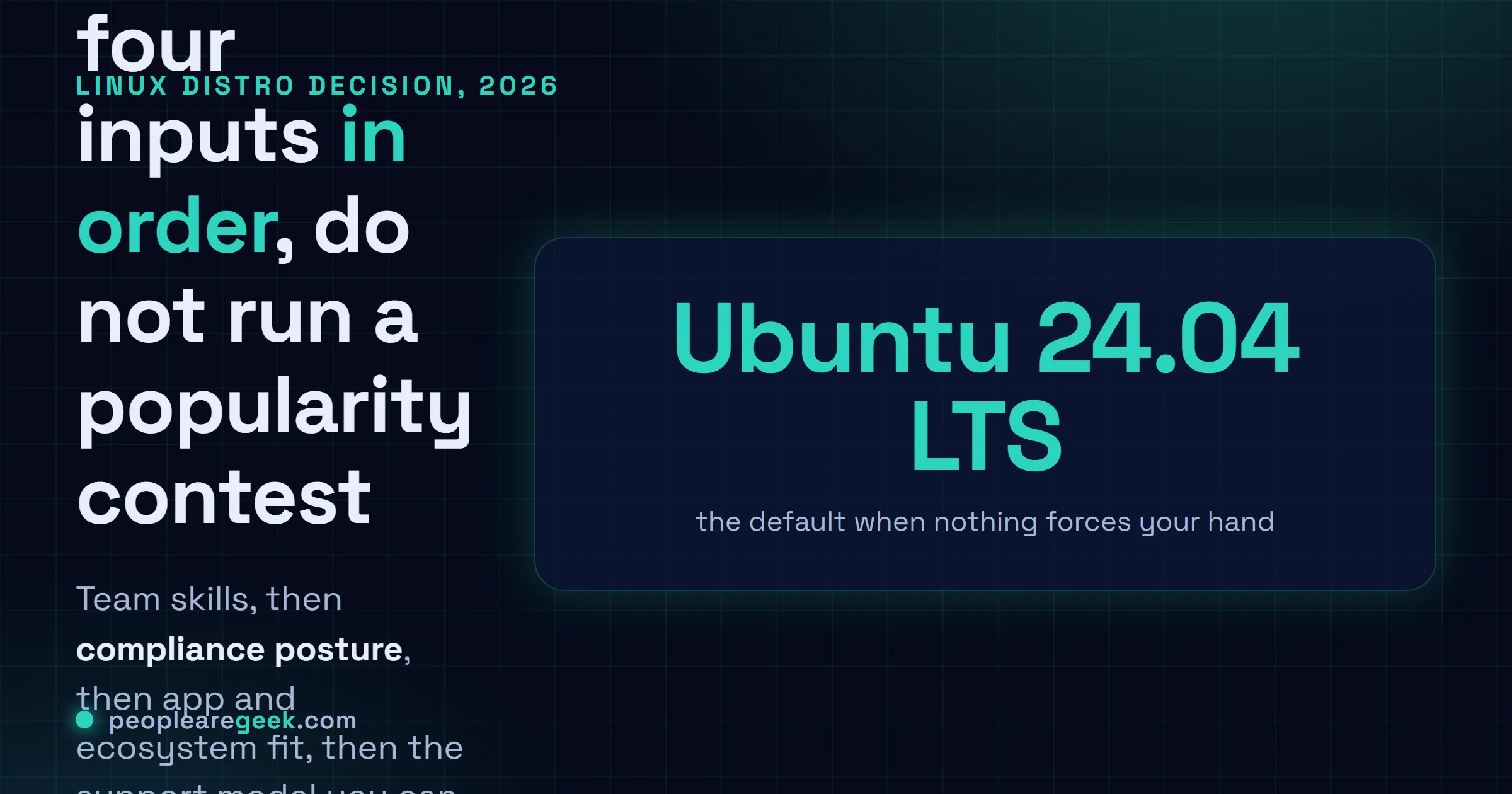
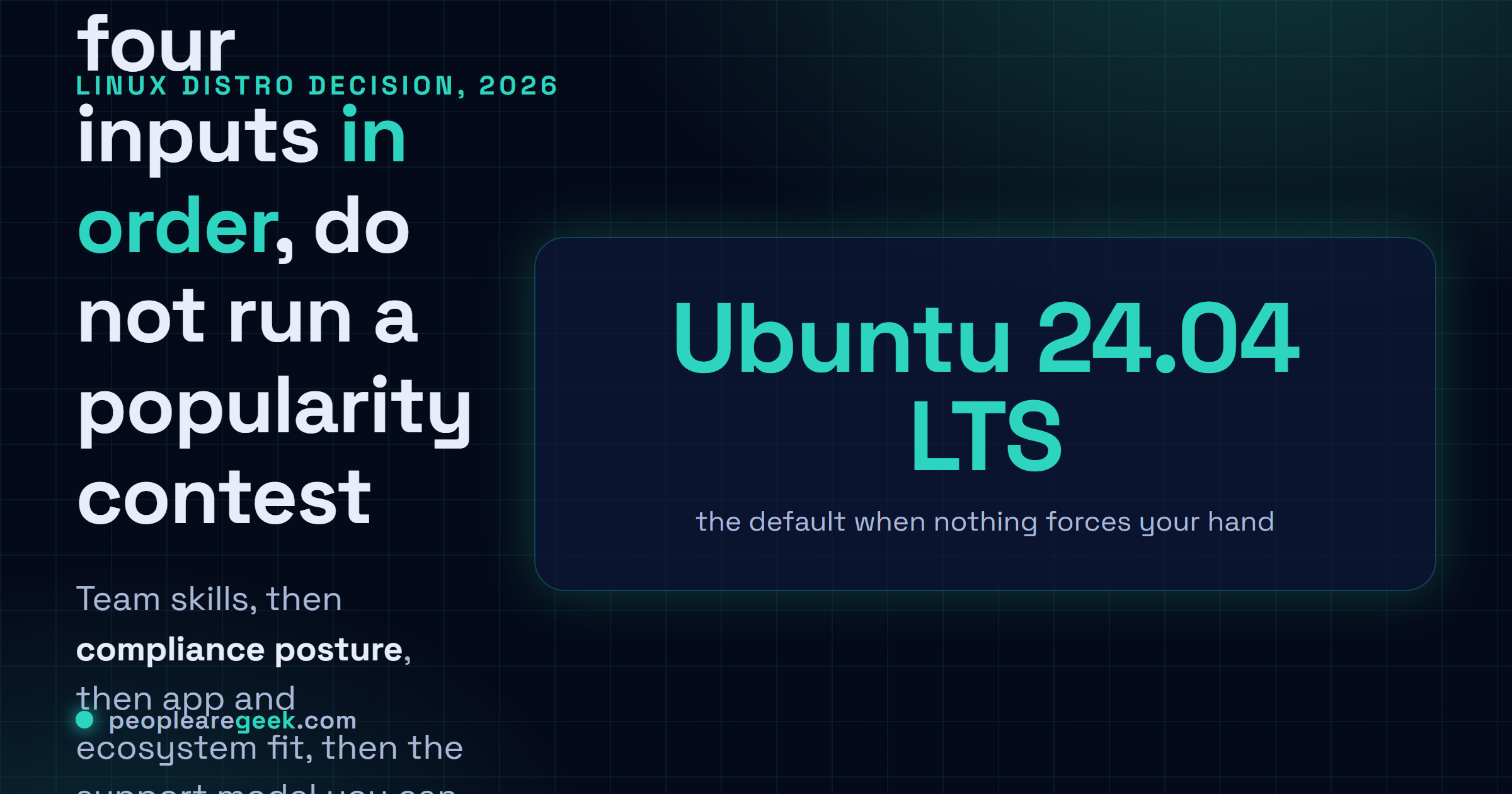
"Which Linux distro should we run?" I get asked this constantly. The answers are almost always tribal. Someone loves Debian. Someone else is still furious about systemd, six years on. And there's always the guy who skimmed a Reddit thread on the train and now has Opinions. None of it helps you. Here's how I actually work the problem: four inputs that move the needle, and you weigh them in order. What your team already knows. What your auditors will sign off on. What your apps flatly demand. How much support you're willing to pay for. Run the question through those four and you walk out with an answer you can defend in a meeting, instead of a popularity contest. There's no one distro for everybody, obviously. But one of them is right for your shop in 2026, and this gets you there.
Why the question is usually asked wrong
"Which distro is best?" can't be answered. Nobody ever says best at what. Easiest for the junior who just scraped through CompTIA Linux+? Longest support runway for a payment platform that can't go down? Smallest image for a microservice you're cramming onto a Kubernetes node that's already gasping? Most familiar for a crew that grew up on RHEL? Cheapest licensing spread across 500 hosts? Swap the ending of that sentence and the winning distro changes with it.
And here's the part nobody likes hearing. The distro is almost never the thing slowing you down. I've watched a tidy Ubuntu shop ship more reliable software than a sloppy RHEL one, no contest. My rough sense is the distro buys you maybe 5 to 15 percent of your operational cost, though honestly I'd argue with myself on the exact number. The rest is config management and CI/CD and whether anyone's even glancing at the dashboards. Pick something sane. Then pour the real effort into how you run it.
The four inputs that actually decide
Run the choice through these four. The answer mostly picks itself.
1. Existing team skills
If your people already think in dnf, systemctl, SELinux contexts and firewalld zones without reaching for a man page, dragging them onto Debian/Ubuntu costs you a quarter of quietly dribbled-away productivity. Flip it. A crew fluent in apt, ufw and netplan pays the same tax going the other way. The skills already sitting on your payroll are the cheapest input here, full stop. I'd lean on them hard unless something further down this page genuinely forces my hand.
2. Compliance and audit posture
Some shops don't get a vote here at all, and you want to learn that on day one, not month three. Plenty of financial-services setups insist on RHEL because it's vendor-supported and certified, end of discussion. Healthcare work under HIPAA tends to land on SUSE. French government tenders increasingly want "Linux from a French-registered vendor," which in practice means Mageia, sometimes Debian. Chasing US federal contracts? Then you may need FIPS 140-3 validated crypto modules, which right now live on RHEL and SUSE. Your personal taste loses this fight every single time. Go bother the compliance folks before you let yourself fall for anything.
3. Application stack and ecosystem fit
This is where vendors quietly make the call for you. SAP gives you full support on RHEL or SUSE, nowhere else. Oracle Database is officially blessed on Oracle Linux, RHEL and SUSE (Ubuntu's community-supported, with all the caveats that implies). NVIDIA's tidiest GPU driver packages land on Ubuntu and RHEL. Whatever's in your app portfolio builds the hard walls. You either respect them or you pencil in the engineering hours to go fight them, and that fight is hardly ever worth what it costs.
4. Support model expectations
Three flavours show up in practice.
- Vendor-supported with SLA: RHEL, SUSE, Ubuntu Pro, Oracle Linux Support. You get a real response window, named engineers who actually pick up, plus the paper trail auditors want. Cost: $400 to $4,000 per host per year.
- Community-supported with paid backup: Rocky / Alma / Debian / Ubuntu LTS, with a third party (Datadog Linux, a sysadmin partner) on speed-dial for the 3 a.m. nights. Cost: lower, and how fast they answer is whatever your contract says it is.
- Community-supported only: it's you, the forums and mailing lists, and whatever's left in your own head. Cost: $0 plus your time. I'm fine with this for dev boxes and build agents, and for production nobody loses sleep over.
The decision tree
Start at the top. Stop the second a node fits.
- Are you required by contract / certification to use a specific distro family?
- Yes, that's your distro. No vote for you. Done.
- No, keep going.
- Does your team already have deep expertise in one family?
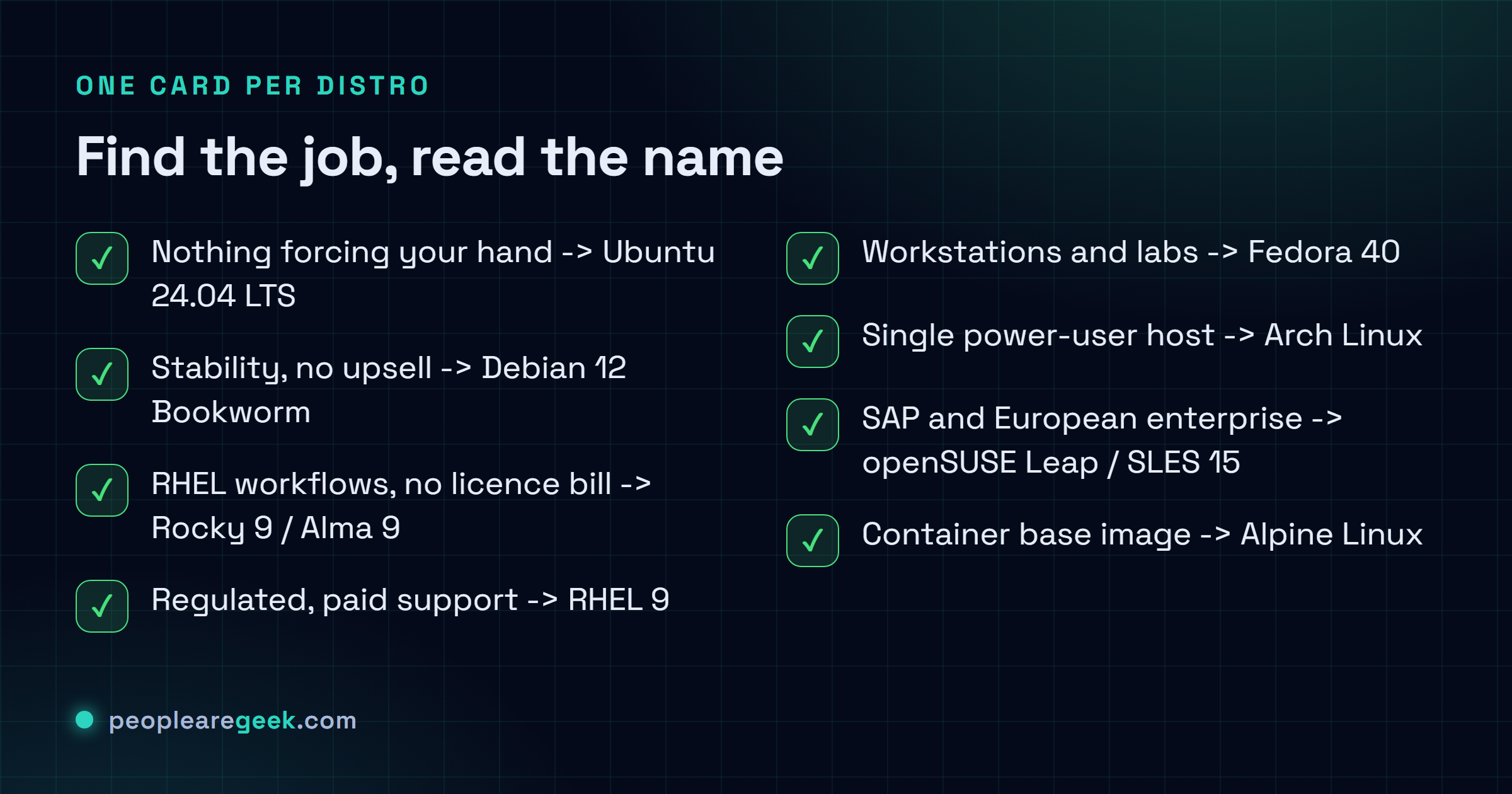
- Yes, Debian/Ubuntu: Ubuntu 24.04 LTS for new servers. Debian 12 where you'd happily trade the latest features for boring, dependable stability.
- Yes, RHEL family: Rocky 9 or Alma 9 if you want it free. RHEL 9 when paid support actually earns its keep.
- Yes, SUSE: openSUSE Leap 15.5 for free. SLES once paid support pays for itself.
- No real preference either way, keep going.
- Do you need 24/7 vendor support with SLA?
- Yes: RHEL 9, Ubuntu Pro, SLES 15, or Oracle Linux 9, each with the paid contract that goes with it.
- No, keep going.
- Is the workload primarily containerised (Docker / Kubernetes / containerd)?
- Yes: the host distro matters way less than people think. Ubuntu 24.04 LTS on your cloud nodes (it's the default image just about everywhere), Alpine as the base inside the containers.
- No, keep going.
- Is this a single-host project where rolling release works?
- Yes, and you genuinely want bleeding edge: Arch Linux or Fedora 40.
- No, keep going.
- Default fall-through: Ubuntu 24.04 LTS. A team walks in with no preference, and this is just the path of least pain. The biggest pile of docs online. Every cloud provider hands it to you as a default image. Support runs to 2029, out to 2034 if you bolt on Ubuntu Pro.
Distro profiles: cheatsheet for each
Ubuntu 24.04 LTS
Pros. The biggest community docs anywhere, hands down. It's the default cloud image just about everywhere. Five years free, plus five more with Ubuntu Pro (free for personal use up to 5 hosts). Snap if you need cross-distro packaging. And netplan, which honestly grew on me after I stopped fighting it.
Cons. Canonical's commercial streak rubs some teams wrong: the Ubuntu Pro nag, the endless Snap drama. Came up on RHEL? Then apt feels a touch blunter than dnf for a while.
Verdict. My fall-through pick. Reach for it when nothing else gives you a reason not to.
Debian 12 Bookworm
Pros. About as politically neutral as Linux gets. Nobody's trying to upsell you anything. Long stability window. The single least surprising thing you can put on a host you'd rather never think about again.
Cons. Features land slower than on Ubuntu. Fewer ready-made third-party repos, so more of it falls on you to wire up by hand. Docs are good. The community's just smaller.
Verdict. My pick when you'd swap fresh features for rock-solid stability and you want none of Ubuntu's commercial trimmings.
Rocky Linux 9 / AlmaLinux 9
Pros. Binary-compatible with RHEL 9, free, supported through 2032. It's where most of us landed after CentOS fell over and left us scrambling. Ex-CentOS admin? The firewalld + dnf + SELinux combo feels like home the second you log in.
Cons. No vendor SLA to lean on when things go sideways. The projects are young next to the brand they stand in for: RHEL has something like 15 more years of trust baked in. And a few vendors still certify only against RHEL proper, not Rocky or Alma.
Verdict. The go-to CentOS replacement. This is where you go for RHEL-family workflows minus the licence bill.
RHEL 9
Pros. A real vendor SLA. A certified software ecosystem, and the exact compliance paperwork auditors want to see. The free Developer subscription covers 16 hosts, and it's the genuine article, fully supported, not some crippled trial that nags you to upgrade.
Cons. The subscription stings at scale ($400 to $1,000 per host per year). And the moment you're deploying for real, you're dealing with Red Hat account management whether you wanted to or not.
Verdict. For regulated shops, where paid support isn't negotiable, or when some app you can't drop is certified on RHEL and nothing else.
Fedora 40
Pros. New kernel, new systemd, new dnf, new everything: this is where features land before they land anywhere else. Fresh release every six months. It's what a lot of us run on our own laptops while the servers stay on Rocky or RHEL.
Cons. Each release lives only 13 months, which rules it out for steady production. And a major upgrade twice a year is real work, the kind you feel in your week.
Verdict. Workstations, build agents, lab boxes, sure. Keep it well off any server you expect to outlive the year.
Arch Linux
Pros. Rolling release. The smallest base install around, where every single component is a choice you made on purpose. The AUR puts just about anything one command away. And the Arch Wiki is, no exaggeration, the best Linux documentation anywhere. I read it even when I'm nowhere near an Arch box.
Cons. Rolling means it'll break on you the day you let updates pile up for a month and then run them all in one go. There's no "supported" version to point an auditor at. And without serious config management behind it, it's a rough fit for a fleet.
Verdict. For a power user, on a single host, or to learn Linux from the metal up. Not for fleets.
openSUSE Leap 15.5 / SLES 15
Pros. Big in European enterprise. YaST is one of those tools you don't appreciate until you're knee-deep in a fiddly one-off and it just quietly handles it. SAP runs first-class here. You get Tumbleweed (rolling) for the desktop, Leap for servers, SLES once you're paying.
Cons. Step outside Europe and the community thins out fast against Debian, Ubuntu or RHEL. Hopping between Leap and Tumbleweed is bumpier than it has any right to be. And the wicked to NetworkManager switch landed mid-lifecycle, which caught a few people flat-footed.
Verdict. For SAP, for European enterprise standards, or when your team already knows SUSE cold.
Alpine Linux
Pros. Tiny. A 5 MB base image. The musl libc, busybox and apk combo is exactly why it became everyone's container base. It boots in seconds, and the defaults lean security-friendly straight out of the gate.
Cons. Here's the gotcha that bites people. musl libc isn't glibc, so some software flatly won't run, and you'll burn an afternoon working out why. It uses OpenRC, not systemd. apk's package selection runs thinner. Not the OS you want under a general-purpose server.
Verdict. A container base image, or a stripped-down embedded-style server. Just not your everyday admin host.

Homogeneity versus diversity in your fleet
Two defensible ways to play this, and they pull hard in opposite directions.
Homogeneity (one distro everywhere): one runbook, one set of playbooks, a single flavour of monitoring agent to wire up. The catch is you've just built yourself a single point of failure. One bad upgrade, or one nasty CVE, and every host sits in the blast radius together. I'd defend this for fleets under 50 hosts, where juggling several distros costs you more than the resilience ever pays back.
Diversity (two or three distros): when RHEL takes a bad hit, say a CVE in dnf or an upgrade that bricks things, your Ubuntu boxes just keep humming along. The catch? Some monitoring vendors bill per agent type, so the variety shows right up on the invoice. This is the right call for big fleets and serious high-availability work. But be honest with yourself here. Pick two distros, not seven. Three's the ceiling, unless you're literally running a research lab.
Hidden costs people forget
- Hiring: post a role asking for "Rocky 9 experience" and the stack of CVs comes in thinner than the same role asking for "Ubuntu LTS experience," at least in most markets. Ubuntu seats just fill faster.
- Cloud images: the provider's ready-to-go image matters more than you'd think. Ubuntu LTS is the default everywhere. Rocky and Alma are there too, but you're booting off a vendor AMI or a community image, and that little sliver of friction adds up over a fleet.
- Container runtime defaults: Podman ships as default on the RHEL family. Docker is the default everywhere else. Retraining a Docker team to think in Podman is a real line item, not some footnote you can wave away.
- Configuration management compatibility: Ansible, Salt and Puppet all work across distros, but the modules aren't equally mature, not by a long way. The Ansible apt module is rock-solid. The dnf module is solid. The zypper module works fine, right up until the day it surprises you with a bug.
- Backup software: some commercial backup agents bill per OS variant. Check with your vendor before you commit to three distros. Finding out from the invoice is the expensive way.
- Vulnerability scanning: most scanners cover every major distro, but how deep they actually go swings a lot. Pin that down during procurement, while you've still got leverage.
- Engineer happiness: don't wave this one off. A team stuck on a distro they resent for political reasons is slower and grumpier, and you'll feel it in the velocity whether you measured it or not. Budget for it like any other cost.
When to switch (and when not to)
Switching distros once you're up and running is not cheap. Figure $200 to $800 per host in engineering time, depending on how good your automation already is, and then tack on a parallel-run stretch where you're babysitting both at once. I'd only pull that trigger when:
- End of life leaves you no choice (CentOS 7 / 8 to Rocky 9 / Alma 9 / RHEL 9 across 2024-2026, and plenty of us lived through exactly that mess).
- Compliance shifts under your feet (a new contract demands vendor-supported, and that's the end of it).
- The stack moved out from under you, your app portfolio drifting toward something that genuinely runs better elsewhere.
- The money quit adding up: paid licences that made perfect sense small turned absurd at fleet scale.
And here's when I'd tell you to just leave it alone:
- You feel like trying something new. Cool. Do it on your dev box, not the fleet.
- A new hire pines for their old distro. They'll adapt, and you can budget a bit of training. Don't repaint the whole estate for one person's comfort.
- A Hacker News thread swears Distro X is better. HN's a signal, not a decision. Weigh it. Don't obey it.
Sources and further reading
Frequently asked questions
Is Ubuntu really the best default in 2026?
Best depends on what you are optimising for, so let me answer the question under the question. Is it the lowest-friction default for a new team with no strong reason to go elsewhere? Yeah. It is. Every cloud and every doc you will Google assumes Ubuntu Server 24.04 LTS, and recruiters quietly do too. When everyone already expects it, going along is just cheaper.
Should we use the same distro for desktops and servers?
New team? Yes. Fewer context switches means fewer dumb mistakes at 4 p.m. Seasoned team? It barely matters, plenty of us run a Fedora or Arch laptop and keep the servers on Rocky or Ubuntu without a second thought. It comes down to what you value more. Dev and prod parity, where matching distros wins. Or the desktop you actually enjoy sitting in front of, in which case pick whatever makes you happy. Both hold up.
Is NixOS worth considering?
For the right job, NixOS is genuinely brilliant: reproducible builds, immutable infrastructure, declarative everything down to the dotfiles. But I will not sugarcoat it. The learning curve is steep and the ecosystem is smaller, so you will hit walls, and probably swear at a few. Reach for it when reproducibility is a hard requirement and your team is genuinely up for learning the model. Otherwise any mainstream distro plus disciplined config management gets you most of the way there, for a fraction of the pain.
What about immutable OSes like Bottlerocket or Flatcar?
They shine when the host is just a thin slab under your containers and literally nothing else. Bottlerocket if you are on AWS EKS. Flatcar for Kubernetes more broadly. Think of them as living next door to your general-purpose distros rather than replacing them, and do not be shocked if you wind up running both side by side.
Should I bother with Oracle Linux?
If Oracle Database is in your stack, Oracle Linux is the easy road: officially certified, with KSplice live kernel patching thrown in for free. If it is not in your stack, I would skip it. Rocky or Alma cover the exact same RHEL-compatible ground, and you never have to deal with Oracle as your vendor, which honestly counts for something.
Is Debian dying?
No. Debian 12 (Bookworm) landed in 2023 and got picked up everywhere, and Debian 13 (Trixie) is already deep in testing. The project is in good shape. People trot out the Debian is fading line every couple of years, but look at the actual release cadence and the contributor numbers and the claim just falls apart.