Domain Health Check
Audit a domain in one button: DNS, WHOIS, SSL expiry, HTTP status, robots.txt and sitemap, with a fix for each gap.
This domain health check audits a domain before a migration, or when a site drops out of Google and the cause is not yet clear. Type one domain, press the button, and a few seconds later you have the whole picture: the DNS records that have to resolve, the WHOIS owner and registrar, the SSL expiry date, whether the site answers without a 500, and what robots.txt hands the crawlers, including the sitemap line. We attach a fix to each gap, so you deal with what is actually broken first and leave the polish for later. For example, a certificate ten days from expiry shows up as a warning with the renewal step spelled out. We send the checks from our server, so your browser never hits CORS limits.
Queries run through the PeopleAreGeek lookup service. We log nothing.

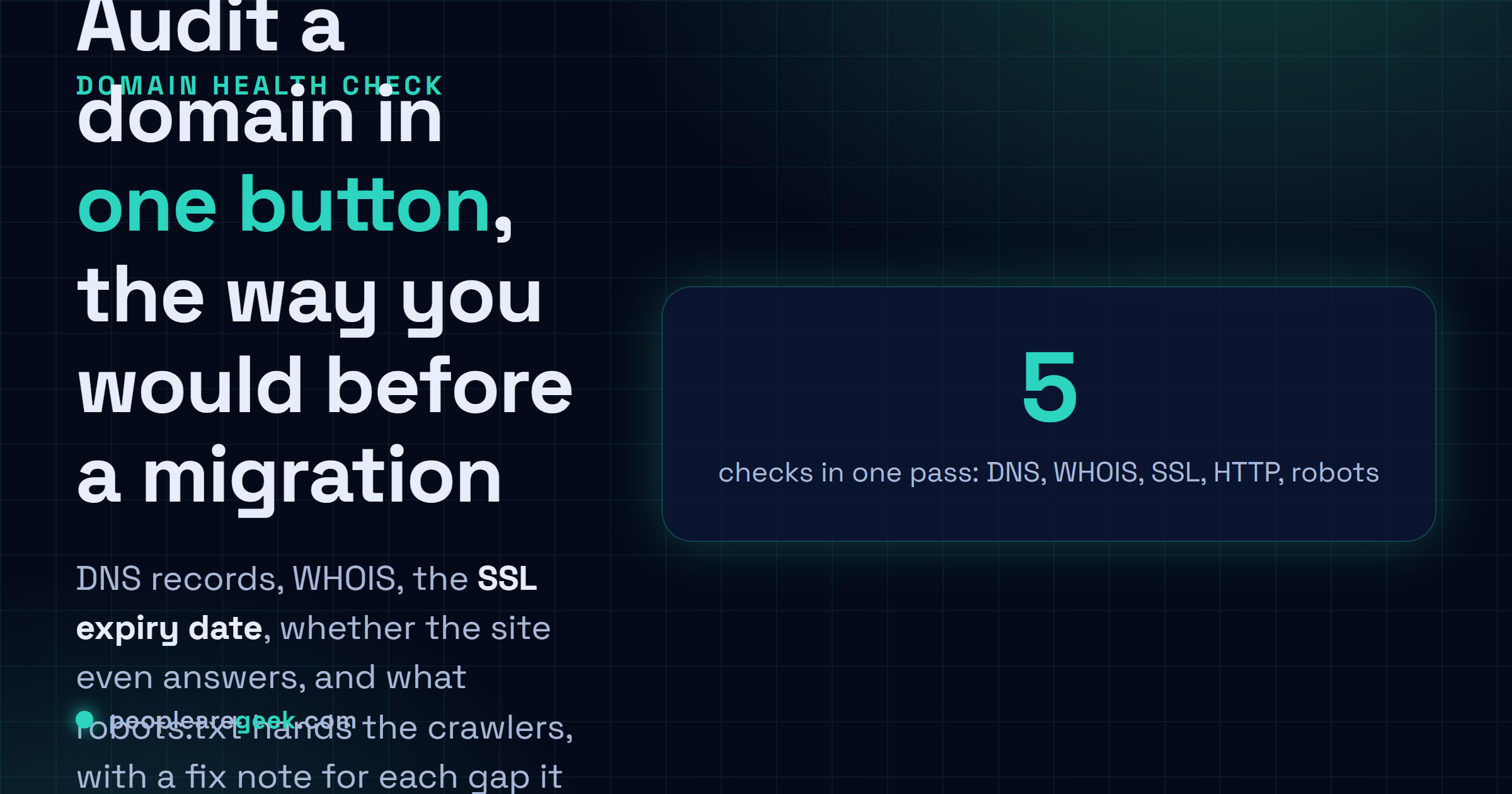
Domain Health Check: DNS, WHOIS, SSL, HTTP, Robots and Sitemap Audit
This domain health check audits a domain in one pass, before a migration or when a site drops out of Google and the cause is not yet clear. Type one domain, press the button, and a few seconds later you have the whole picture: the DNS records, the WHOIS owner and registrar, the SSL expiry date, whether the site answers without a 500, and what robots.txt hands the crawlers. We attach a fix to each gap, so you deal with what is broken first and leave the polish for later. For example, a certificate ten days from expiry shows up as a warning with the renewal step spelled out.
What domain health means
"Domain health" is a fancy label for a pile of small signals that all have to line up. DNS resolves. The site answers without throwing a 500. Your HTTPS is valid, and not three days from expiry. Robots.txt isn't blocking the pages you actually wanted indexed. One of these going wonky? Usually survivable on its own. Let two slip at the same time, though, and crawling breaks while trust drains, and now you're firefighting.
When to use this tool
- Right before a launch, or a migration cutover. Catch the broken record now. Explaining it to a client later is so much worse.
- Just touched DNS? Swapped hosts, flipped on a CDN, renewed a cert? Run it. That's precisely the moment stuff breaks without telling you.
- When a site vanishes from the search results overnight and you want to rule out the dull technical causes before you panic.
- Before any serious SEO push. No point polishing the content if the foundation underneath it is already cracked.
How to act on the audit
Don't agonize over the number. I treat it as triage and nothing more. Go after what's actually on fire: DNS that won't resolve, a dead cert, the server coughing up errors, crawlers that can't find your sitemap. Clear those, then come back later for the polish. Security headers, page speed, structured data, the internal linking, all of that. It all matters, honestly, just not before the lights are back on.
Frequently asked questions
What does a domain health check include?
What I pull: your DNS records (A, AAAA, MX, NS, TXT), whether the SSL cert is valid plus its death date, the records that decide if your mail gets trusted (SPF, DKIM, DMARC), and a flat check that HTTP and HTTPS actually answer. Stitch it together and you know the domain resolves and traffic's encrypted. You also know your email won't get dumped in spam by default, which is the part people forget to check.
How do I improve my domain health?
Start with email. That's where most people are silently bleeding and don't know it. Get a clean SPF record up, publish DKIM for whatever mail provider you use, then layer a DMARC policy on top. Web side: renew that cert way before it expires (I aim for a month of buffer, never a day) and turn on HTTPS, with HSTS added later once you're confident nothing's going to break. One last thing, and it catches more people than you'd expect. Make sure your NS and MX records actually agree across every provider that touches them.
Why does my domain fail SPF or DMARC?
Nine times out of ten? A TXT record that's missing, or just slightly off. SPF means naming every single service that sends mail on your behalf, your CRM, the newsletter tool, the lot of it, then closing with something like ~all. Forget one sender and the whole record fails. DMARC wants a p= policy plus alignment with either SPF or DKIM, and the gotcha nobody mentions: p=none looks like it's working, because it's published, but it only reports. It stops precisely nobody. You have to move past none for any real protection.
Does domain health affect email deliverability?
Massively. Before a single message reaches an inbox the mailbox providers are already checking your SPF, DKIM, DMARC and your domain's reputation, and they decide inbox-or-spam off that read. Flunk authentication and you're not just landing in spam. Plenty of providers reject the mail outright, no folder, gone. I've watched one broken SPF record tank an entire campaign, and maybe I'm biased from that, but it's now the first thing I check the second our emails aren't arriving hits my desk.
How often should I run a domain health check?
On a live domain, monthly does the job. Often enough to catch drift before it turns into an outage. The non-negotiable runs are right before your SSL cert renews and right before the domain registration does. Let either one lapse and you can drop the whole site offline without a single warning, or worse, take all your mail down with it, and I have watched that exact thing happen to people who were sure they had more time.