

rsync command generator
Build the right rsync command for a local copy, a backup or a push to a remote server over SSH. Set the source and destination, choose whether either side is remote, tick the options you need, and copy a command that runs as-is. A red warning appears when you enable --delete, and a dry-run reminder keeps you safe. Everything is assembled in your browser.
What this rsync command generator does
rsync is the standard tool for copying and synchronising files, locally or over SSH, transferring only the differences so repeated runs are fast. It powers most backup scripts and deploy pipelines. Its flexibility comes from dozens of flags, and the wrong combination, especially --delete, can remove data you meant to keep. This generator lets you describe the copy in plain terms and produces the exact command, with every flag explained and a clear warning before anything destructive.
The mental model is simple: rsync copies a source to a destination, making the destination match the source for the files it transfers. The single most important detail is the trailing slash on the source: src/ copies the contents of src into the destination, while src (no slash) copies the src directory itself into the destination. Get this wrong and you end up with a nested folder or a flattened mess.
The flags that matter
- -a (archive) is the workhorse: it implies recursive plus preservation of permissions, timestamps, symlinks, owners and groups. Almost every rsync command starts with
-a. - -v (verbose) lists what is transferred; -h prints sizes in KB/MB/GB.
- -z (compress) compresses data in transit, worth it over slow links, pointless on a fast LAN or local copy.
- -P combines
--partialand--progress: it shows a progress bar and keeps partially transferred files so an interrupted large transfer can resume. - –dry-run (-n) simulates the transfer and lists what would change without touching anything. Run it before any real sync you are unsure about.
- –delete removes files on the destination that no longer exist on the source, making it a true mirror. Powerful and dangerous.
Local, push and pull
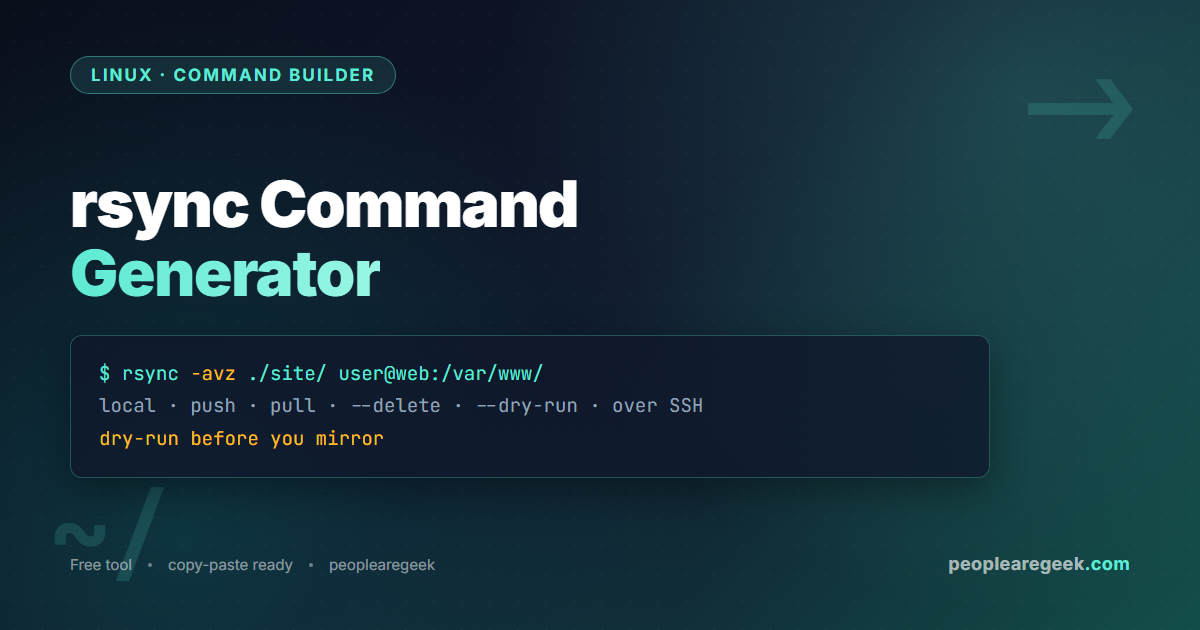
rsync uses SSH automatically when either side contains a user@host: prefix. A push sends local files to a remote server: rsync -avz ./site/ user@web:/var/www/. A pull fetches from a remote: rsync -avz user@web:/var/www/ ./backup/. For a non-standard SSH port add -e 'ssh -p 2222'. Because rsync over SSH is encrypted and resumable, it is the default choice for moving large datasets between machines.
Always dry-run before –delete
The mirror behaviour of --delete means that if you point the source at the wrong path, or accidentally add a trailing slash that changes the layout, rsync will faithfully delete the destination files to match. The safe workflow is to add --dry-run, read the list of deletions, and only then run for real. This generator flags --delete with a red warning and offers a dry-run preset for exactly this reason.
Privacy and how this tool runs
The command is built by JavaScript in your browser. No paths, hostnames or commands are sent anywhere or logged. You can use the generator offline once the page has loaded.
Frequently asked questions
What does rsync -avz mean?
-a is archive mode (recursive plus preserve permissions, times, symlinks, owners), -v is verbose output, and -z compresses data during transfer. It is the most common rsync option set for copying a directory tree, especially over a network.
Why does the trailing slash on the source matter?
A trailing slash means “the contents of this directory”. rsync -a src/ dst/ copies the files inside src into dst. Without the slash, rsync -a src dst/ copies the src directory itself, creating dst/src/. This single character is the most common source of confusion.
How do I rsync over SSH to a custom port?
Add the -e option: rsync -avz -e 'ssh -p 2222' src/ user@host:/dest/. The generator adds this automatically when you set a non-default port. You can also configure the port in ~/.ssh/config and omit -e entirely.
What does –delete actually delete?
It deletes files on the destination that are not present in the source, making the destination an exact mirror. It never touches the source. Always run with –dry-run first to confirm the deletion list, because a wrong source path will mirror emptiness onto your destination.
How do I resume an interrupted transfer?
Use -P (or --partial --progress). The --partial part keeps partially transferred files so a re-run continues where it stopped instead of starting the file over. This is essential for large files on flaky connections.
Is rsync good for backups?
Yes, it is the foundation of many backup systems. For versioned snapshots, combine rsync with --link-dest to hard-link unchanged files between backup runs, or use a wrapper like rsnapshot or Borg. For a simple mirror, rsync -a --delete with a dry-run check is enough.
Related tools and resources
More command builders from the same toolkit.


