Comma.ai put an external GPU dock on sale on August 12, 2026, and the price is not the interesting part. The firmware inside is open source C that you can read, build and flash yourself. Tiny Chestnut is $249 for the dock alone, or $799 bundled with an AMD Radeon RX 9060 8GB. It bridges PCIe Gen4 x4 to USB4 through the ASMedia ASM2464PD controller, the same chip sitting in a shelf full of NVMe enclosures and eGPU adapters, and it carries up to 100 watts. The firmware lives in the tinygrad GitHub organisation, and its README calls the main source file short and readable.
The short answer
Comma.ai launched the Chestnut and Tiny Chestnut docks on August 12, 2026. They bridge PCIe Gen4 x4 to USB4 using the ASMedia ASM2464PD controller and run open source C firmware published under the tinygrad GitHub organisation. Tiny Chestnut is $249 for the dock alone, $799 with an AMD Radeon RX 9060 8GB. The immediate purpose is hosting the 1 billion parameter driving model in OpenPilot 0.11.2, but the dock also works as a general purpose USB4 eGPU enclosure.
Most external GPU enclosures are a plastic box, a power supply and a bridge chip whose firmware you will never see. Comma.ai shipped one on August 12, 2026 where the firmware is the headline feature, and that reverses the usual order of interest.
What the hardware is
Two products. Tiny Chestnut is the dock on its own at $249. Chestnut is $799 and arrives with an AMD Radeon RX 9060 8GB already in it, along with a thirty day money back trial and a one year hardware warranty.
Underneath, both are the same idea: a PCIe Gen4 x4 link tunnelled over USB4, handled by the ASMedia ASM2464PD. That controller is not exotic. It is the bridge inside a long list of USB4 and Thunderbolt NVMe enclosures and eGPU adapters already on sale, documented as carrying a four lane PCIe 4.0 connection across a 40 Gbps USB4 cable. Buying one is unremarkable. Publishing firmware for it is not.
The power budget is 100 watts. Comma.ai frames that against roughly 10 watts of compute in the previous arrangement, which tells you what this was built for.
The firmware is the story
The repository sits at github.com/tinygrad/asm2464pd-firmware and is written in C. The README points at handmade/src/main.c and describes it as short and readable, which is an unusual claim to make about controller firmware and, having looked, a defensible one.
Two documented message types do the interesting work. A control message reads and writes PCIe transaction layer packets anywhere in the BAR, at roughly 3.6 MB/s writing and 1.8 MB/s reading. A DMA message reaches the 512 kB of on chip SRAM at around 700 MB/s over a 10 Gbps USB3 link, with the SRAM exposed at BAR offset 0x200000 and reads triggered by a PCIe device write to 0x822000.
Those are not throughput numbers for your graphics card. They are the speed of the side channel you use to talk to the controller itself, which is exactly the part that has always been sealed.
Alongside the firmware, the project ships an emulator and a set of Python utilities for verifying SRAM and driving NVMe and SCSI operations, plus documentation covering how the original behaviour was reconstructed. Flashing is one command: make -C handmade flash.
Why the dock exists at all
Comma.ai did not build this to sell eGPU enclosures. OpenPilot 0.11.2 introduced a 1 billion parameter driving model, which the company describes as thirty times the parameters and one hundred times the FLOPs of its previous on device model. That does not run on a phone class device bolted behind a rear view mirror.
So the dock goes in the passenger footwell or under the passenger seat, takes power from the cigarette lighter, and gives the model a real GPU to run on. The 100 watt figure and the physical form make a lot more sense once you know that.
The secondary use, and the reason it turned up on Linux news sites rather than only car forums, is that it works as an ordinary USB4 eGPU dock and with tinygrad. Local model work has been steadily pushing toward whatever accelerator is actually in reach, which is the same current that produced an NPU runtime targeting ROCm earlier this month.
What we would check before buying one
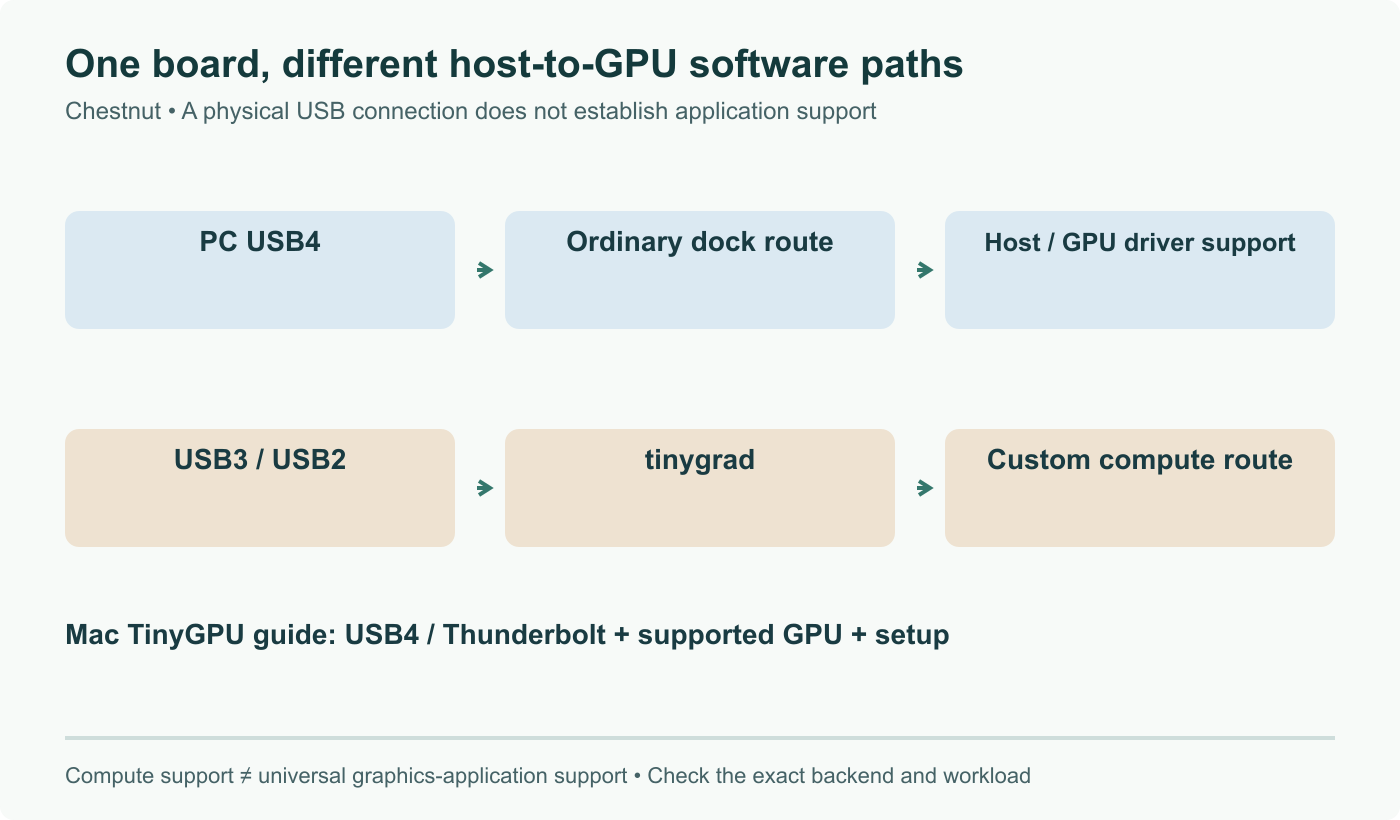
Nothing about open firmware fixes the ordinary eGPU pitfalls. Your host still needs a USB4 or Thunderbolt port that genuinely tunnels PCIe rather than only carrying data and display. The operating system still has to authorise the device. On Linux, a hot plugged card still has to bind to a driver cleanly, and a card that appears in lspci but never gets a driver is a familiar afternoon.
What changes is what happens when something is wrong at the controller level. Until now the answer was to buy a different enclosure. Now there is source to read, an emulator to reproduce against, and a flash command. For a chip this widely deployed, that is a larger shift than the $249 price tag suggests.
Sources and further reading
- Comma.ai Launches A PCIe Gen4 x4 To USB4 Dock With Open-Source Firmware, Phoronix, August 12, 2026
- Chestnut, Comma.ai blog, August 2026
- tinygrad/asm2464pd-firmware on GitHub
- ASM2464PD firmware functionality notes, GitHub
- Comma.ai shop listing for Chestnut
Frequently asked questions
What exactly is open source here, the dock or the firmware?
The firmware. The ASM2464PD is a commercial ASMedia bridge controller, and the silicon is not open. What Comma.ai and tinygrad published is a C firmware image for that controller, in a repository that also carries an emulator, Python test utilities for SRAM verification and NVMe and SCSI operations, plus documentation on how the original firmware was reconstructed. You build and flash it with a single make target. That distinction matters: you are not getting an open chip, you are getting the ability to read and change the code that runs on a chip you already own, in a category where firmware is normally an opaque blob shipped once and never updated.
Does this work with any USB4 host, or only with a comma device?
The dock was built for Comma.ai's own driver assistance hardware, where it hosts the 1 billion parameter driving model that ships with OpenPilot 0.11.2. Comma.ai says it also works as an ordinary USB4 eGPU enclosure on a personal computer. The practical limit is the one every eGPU user already knows: your host needs a USB4 or Thunderbolt port that actually tunnels PCIe, the operating system needs to authorise the device, and Linux users should expect to check that the GPU driver binds cleanly to a hot plugged card. None of that changes because the firmware is open.
What are the 3.6 MB/s and 700 MB/s figures in the repository?
They describe the firmware's own control paths, not the speed of a graphics card on the far end. The repository documents a control message that reads and writes PCIe transaction layer packets at roughly 3.6 MB/s for writes and 1.8 MB/s for reads, which is a debugging and poking interface that reaches anywhere in the PCIe BAR. A separate DMA message reaches the 512 kB of on chip SRAM at around 700 MB/s over a 10 Gbps USB3 link. Those are host to controller side channels. Your GPU traffic still rides the tunnelled PCIe Gen4 x4 link.
Is 100 watts enough for a real GPU?
It is enough for the card Comma.ai bundles, a Radeon RX 9060 8GB, and it is a large step up from the roughly 10 watts of compute the previous arrangement allowed. It is not enough for a high end desktop GPU, and nobody is claiming otherwise. Read the 100 watt figure as the design point rather than as a ceiling you should test: this is a dock built to run a driving model in a passenger footwell off a cigarette lighter, and the eGPU use case on a laptop is a genuine second life rather than the original brief.
Why would a sysadmin care about a car company shipping a dock?
Because the ASM2464PD is everywhere. It is the bridge inside a large share of the USB4 and Thunderbolt NVMe enclosures and PCIe adapters people already buy, and until now its firmware has been a vendor binary you either accepted or replaced by buying different hardware. A readable C implementation, an emulator and a documented flash path change what is possible when one of those enclosures misbehaves, drops a link, or needs a behaviour the vendor never exposed. That is a maintenance story, and it applies to hardware you may already have racked or in a drawer.