If you have a shelf of NotebookLM projects, none of them broke this week, but the product changed names. On July 16, 2026, Google renamed NotebookLM to Gemini Notebook, folding the research tool more tightly into the Gemini brand while keeping it as a standalone app. The headline for our audience is not the label, it is what shipped underneath it: every notebook now gets a secure cloud computer that lets the assistant write and run code natively, grounded in the sources you added. More than thirty million people and over six hundred thousand organizations already use the tool, so a change to how it executes work is worth a careful read. Here is what moved, what did not, and what it means if you build on it.
The short answer
Google renamed NotebookLM to Gemini Notebook on July 16, 2026, keeping it as a standalone product while pulling it into the Gemini brand. The real change is under the hood: every notebook now has a secure cloud computer that lets the assistant write and run code grounded in the sources you added, rolling out to Pro users. Notebooks also sync across the Gemini app and, soon, AI Mode in Search. The workflow you know is intact, with genuine new capability layered on top.
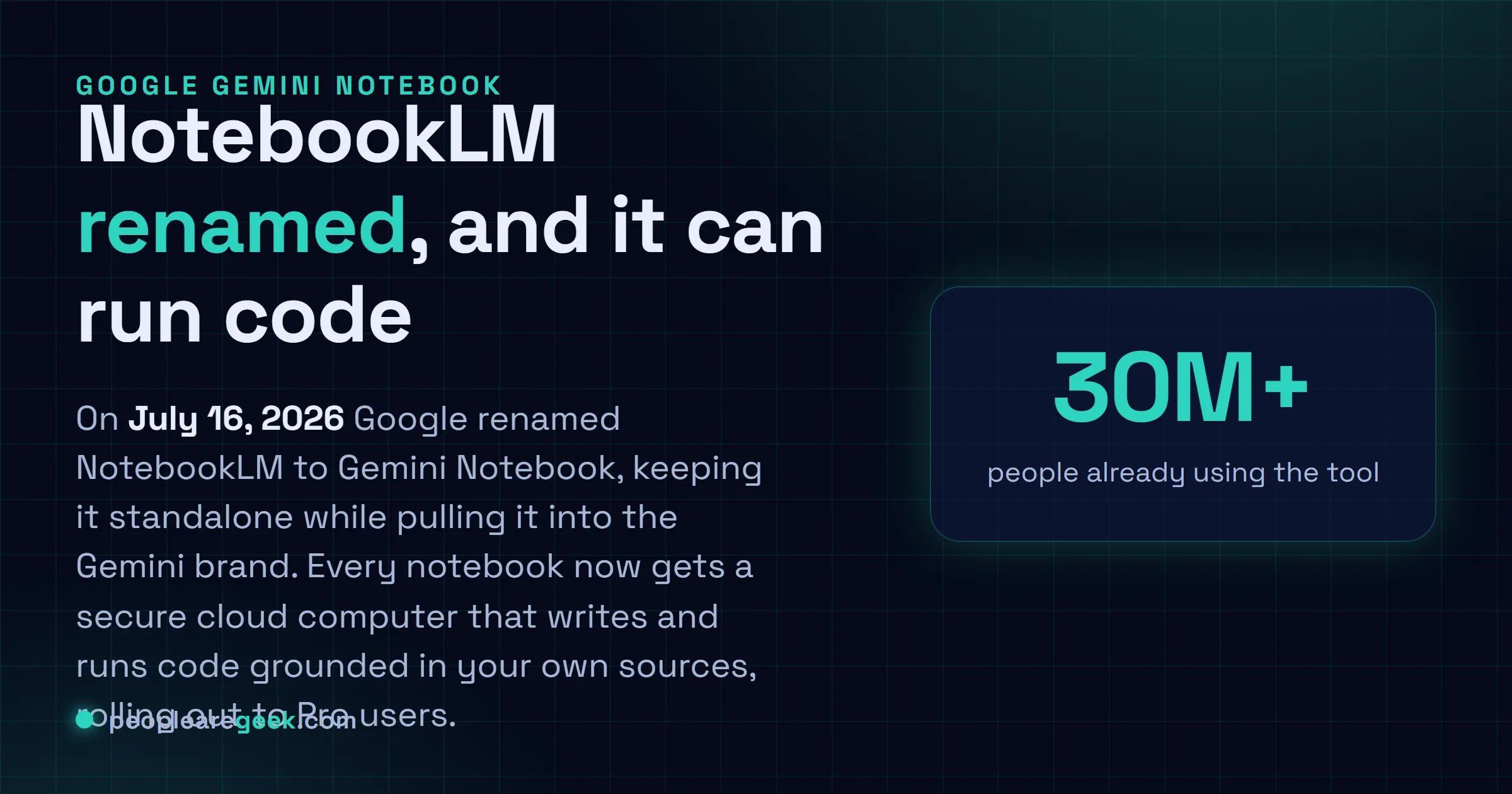
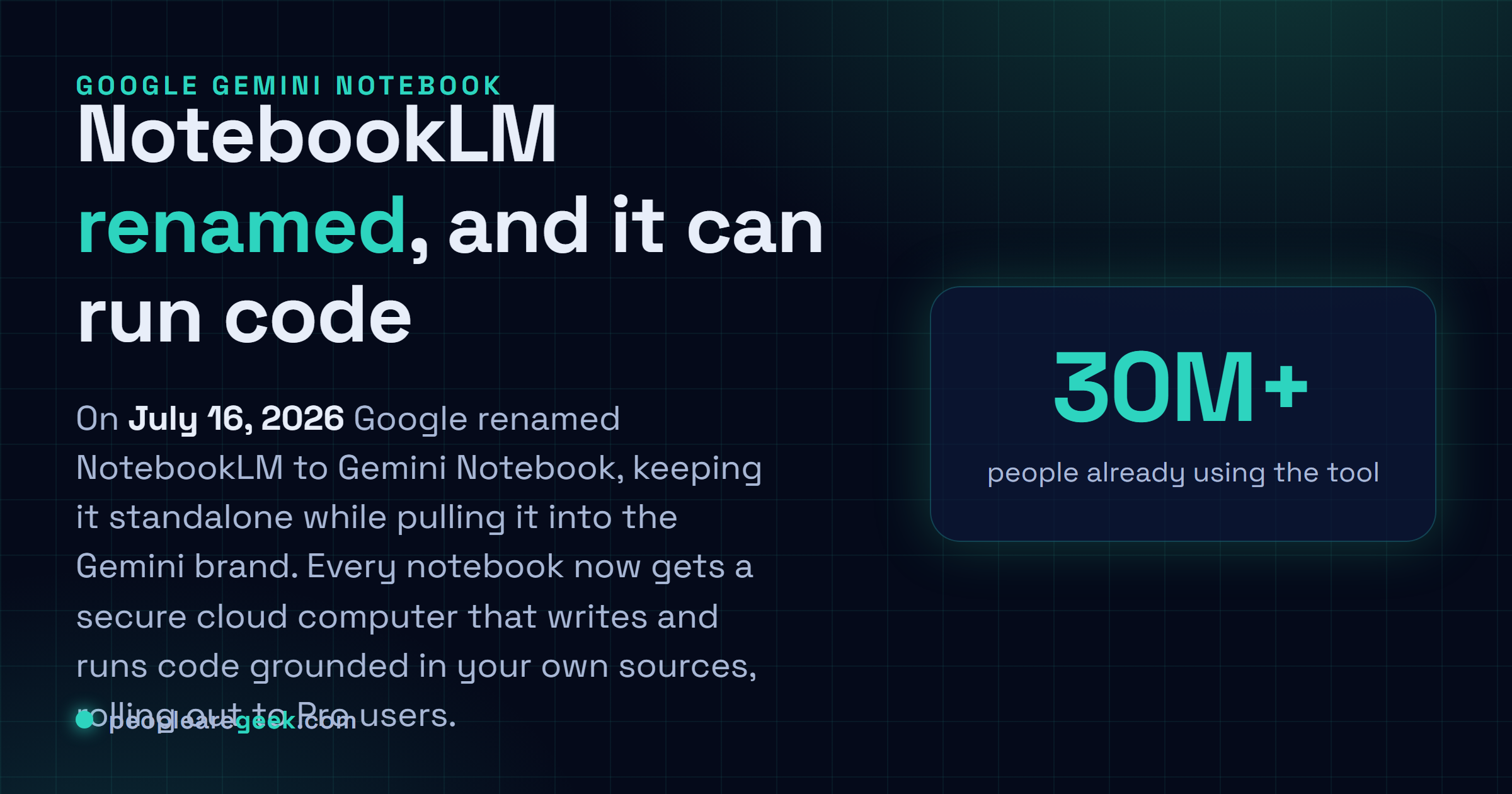
Renames are usually the least interesting kind of product news, and it would be easy to file this one under branding and move on. We would push back on that. The name change from NotebookLM to Gemini Notebook is the wrapper, and the thing worth your attention is inside it: notebooks can now run code. That shifts the tool from something that reads and summarizes your sources to something that can compute over them.
What actually changed
Google announced on July 16, 2026 that NotebookLM is now Gemini Notebook. It remains a standalone product, so the app you open and the notebooks you built are still there, now under the Gemini name and a refreshed design. The company frames it as the same tool doing more across the Google ecosystem.
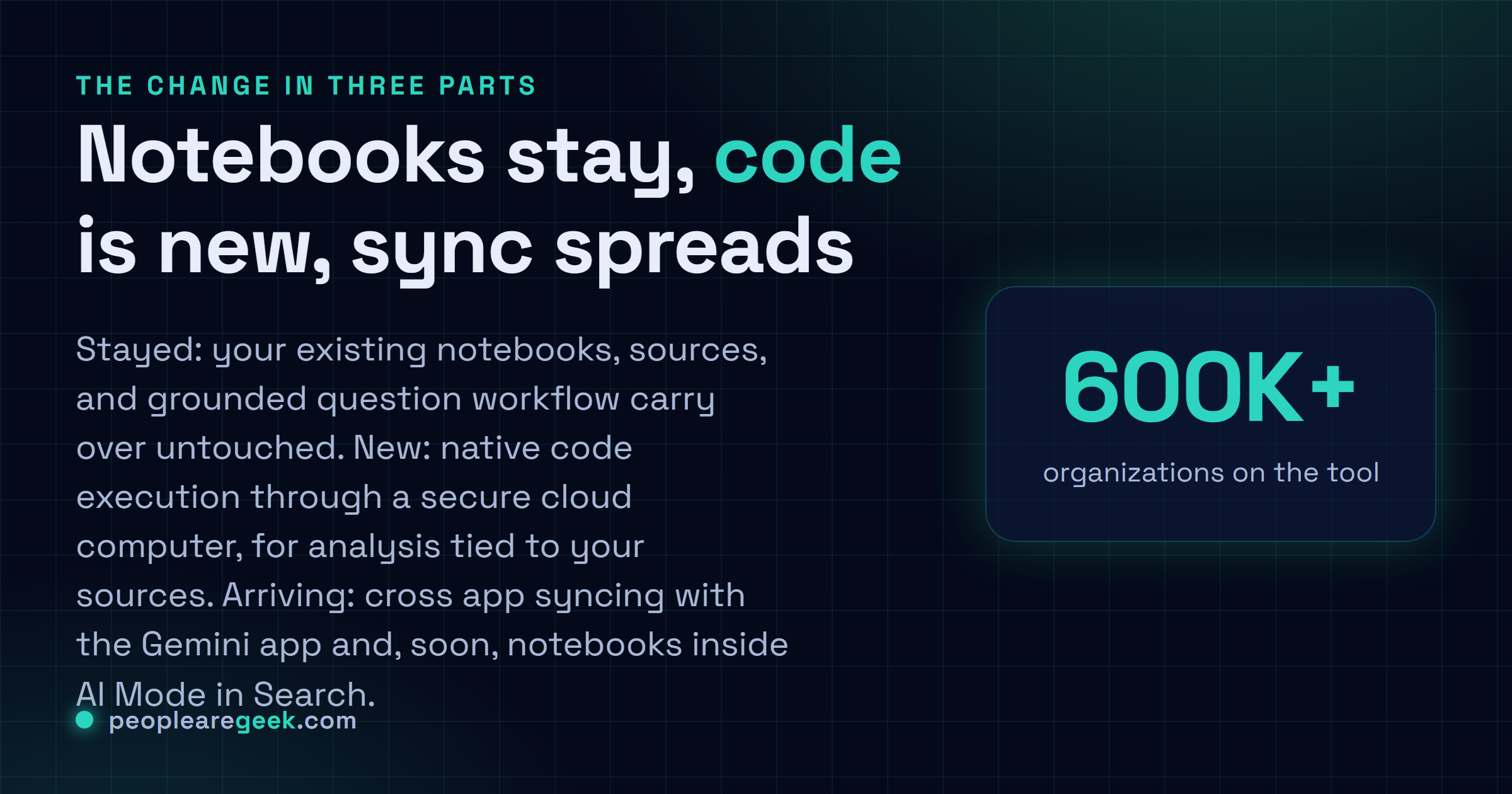
The substantive addition is a secure cloud computer attached to every notebook. It gives the assistant the ability to write and execute code natively, so it can perform data analysis that stays grounded in the sources you added rather than drifting into general knowledge. Google says this code execution is rolling out to Pro users soon, so whether you see it today depends on your plan and the rollout reaching you.
Why grounded code execution matters
The original tool was strong at one thing: taking documents you trust and answering questions against them, with citations back to the source. That is valuable, but it stopped at text. If you wanted to compute a figure from a table in your sources, you were on your own.
Running code inside the notebook closes that gap. You can point Gemini Notebook at a body of material and have it calculate, transform, or chart against it, with the work tied to inputs you control. For anyone who does analysis on a fixed set of documents or datasets, that is a meaningful reduction in friction. It is not trying to be a full environment like Jupyter, and you should not retire your real tooling for it, but for quick grounded analysis it now does something it could not do before.

One notebook across Gemini
The other thread is integration. Google is making notebooks sync across surfaces rather than living in a single app. You can already create and open notebooks inside the Gemini app, with cross app syncing between it and the standalone Gemini Notebook, and Google says notebooks are coming into AI Mode in Search too. The intent is a single notebook that follows you between the dedicated app, the assistant, and search, instead of three separate places.
This is the same consolidation Google has run for a while, pulling its AI tools under one name and one account experience. The upside for users is tighter integration and less duplicated state. The cost is the churn of relearning names, which is exactly why we keep our attention on the capability rather than the label.
What to do with it
If you already lean on NotebookLM, nothing forces a change today, and your notebooks carry over untouched. The move worth making is to test the code execution once it reaches your account, because it changes what the tool is good for. Take a set of sources you already trust and ask it to compute something you would previously have exported and done elsewhere. If the grounded analysis holds up, you have shortened a loop.
If you avoided the tool because it only summarized, this is a reasonable moment to look again. A grounded, code capable notebook that syncs across the Gemini app and search is a different proposition from a read only research pane. Judge it on your real sources, not on the demo.
Sources and further reading
- Google blog: NotebookLM is now Gemini Notebook
- Google Workspace Updates: NotebookLM is now Gemini Notebook
- TechCrunch: Google turns NotebookLM into Gemini Notebook
- 9to5Google: Google renames NotebookLM to Gemini Notebook
Frequently asked questions
Did my NotebookLM notebooks change or disappear?
No. Google describes this as the same standalone product with a new name. Your existing notebooks, sources, and generated notes carry over, and the core workflow of uploading sources and asking grounded questions is unchanged. The visible differences are the Gemini Notebook branding, a refreshed design, and new capabilities layered on top, most notably the secure cloud computer for running code. If you had links or bookmarks, expect them to resolve to the renamed product rather than break.
What is the secure cloud computer in Gemini Notebook?
It is an isolated environment that gives each notebook the ability to write and execute code as part of answering you. Instead of only summarizing your sources in text, the assistant can now run analysis on them, which is useful for working through data grounded in the documents you provided rather than in general knowledge. Google says code execution is rolling out to Pro users, so availability depends on your plan and the rollout reaching your account.
How does the rename fit into the wider Gemini app?
Google is syncing notebooks across surfaces. You can already access and create notebooks inside the Gemini app with cross app syncing between it and the standalone Gemini Notebook, and Google says notebooks are coming into AI Mode in Search as well. The direction is one notebook that follows you between the dedicated app, the Gemini assistant, and eventually search, rather than a separate silo you visit on its own.
Is this useful for developers and data work?
Yes, more than the old version was. The ability to run code against your uploaded sources turns the notebook from a reading and summarizing tool into something closer to a grounded analysis scratchpad. You can point it at a set of documents or data and have it compute over them, with the answers tied to material you control. It is not a replacement for a full notebook environment like Jupyter, but for quick grounded analysis on a body of sources it lowers the friction.
Why does Google keep renaming products into Gemini?
Google has been consolidating its AI tools under the Gemini name for a while, and this rename continues that pattern. The practical effect is a single brand and, increasingly, a single account experience across the Gemini app, Gemini Notebook, and search features. For users the upside is tighter integration and syncing. The cost is the churn of relearning names, which is why we focus on the capability change rather than the label.