WinBtrfs 1.10, released September 1, fixes extent-tree corruption when writing to snapshots. Updating addresses the buggy write path; it is not evidence that a volume previously written by the old driver is undamaged.
Read the fix before resuming writes
The version 1.10 changelog lists the snapshot fix, crashes during cross-subvolume moves and simultaneous file creation, and preallocation problems affecting rclone. It also adds writing of free-space bitmaps and compressed inline files. RAID on removable devices is no longer supported after the removable-device handling changes.
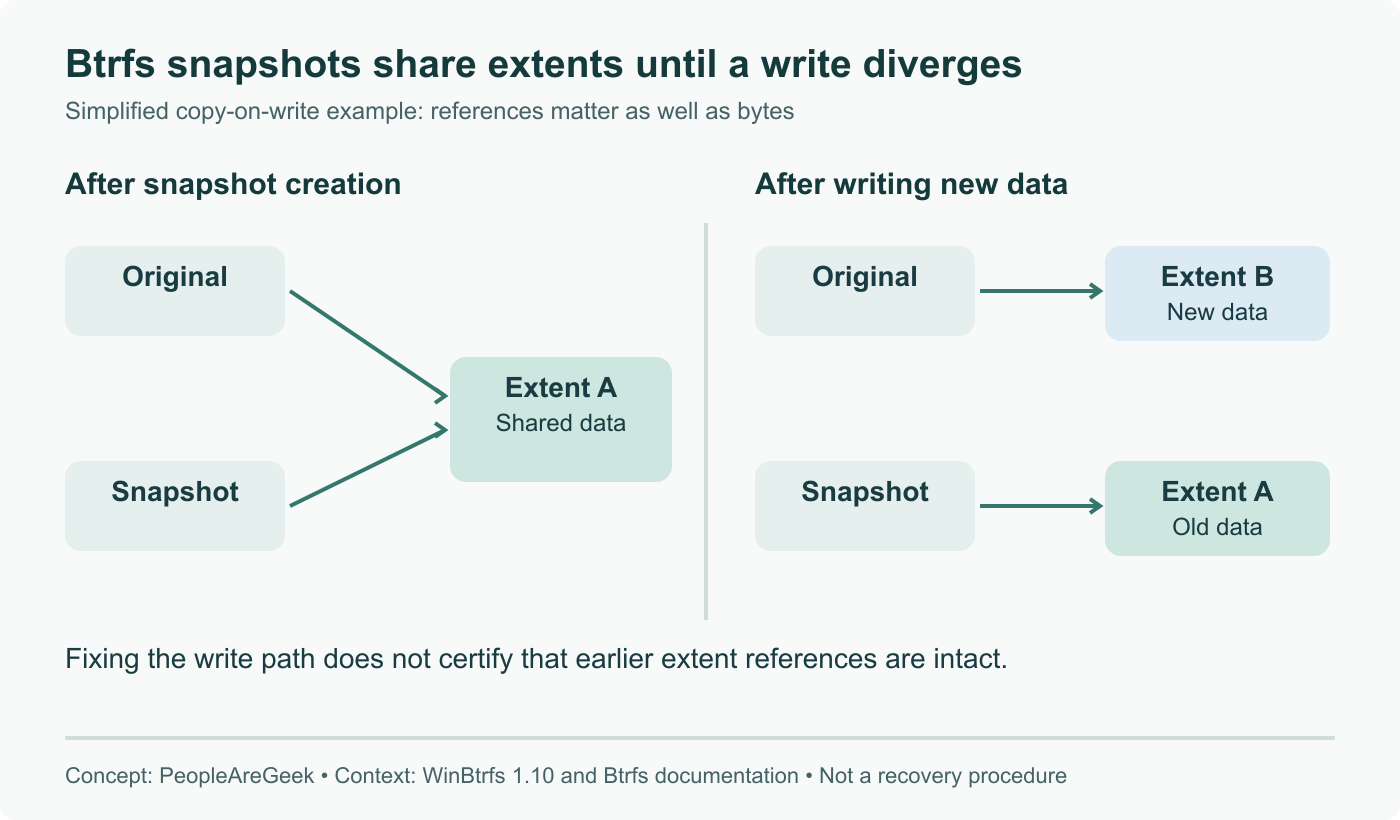
For someone sharing a Btrfs volume between Linux and Windows, the key distinction is between preventing another faulty write and recovering existing damage. A new driver can solve the former without proving the latter. The cover shows a snapshot and its original subvolume sharing an extent: the references, not simply the file contents, are part of the filesystem’s bookkeeping.
A scrub has a specific job
The Btrfs scrub documentation says scrub validates checksummed data and metadata and can repair from a good replica where one exists. It explicitly distinguishes scrub from a filesystem consistency checker. A clean scrub therefore cannot certify that every extent reference and filesystem structure is correct.
This also matters for read-only expectations: a read-only scrub on a read-write filesystem may still cause filesystem writes. Do not treat that combination as a forensic preservation method. Data without checksums also has limits on what scrub can validate.
A practical update decision
If the volume is healthy and you plan to continue writing from Windows, preserve a current independent backup, review the release’s compatibility notes, and update before the next write workload. Use the official release assets for the correct architecture. Test your real workflow on disposable data, including snapshot writes and file moves if you use them.
If corruption is already suspected, stop routine writes and prioritize preserving recoverable data or a suitable image before experimenting. Do not turn a news article’s upgrade checklist into a recovery procedure for the only copy of important files.
The separate btrfs-check manual describes structural checks and warns against using repair mode without experienced guidance. This article does not recommend an automatic repair command. Diagnosis depends on the symptoms and storage layout.
What we have verified
This is a review of release notes and the filesystem’s documentation, not a destructive test of the driver. The previous advice to upgrade and then rely on a scrub was too categorical. Neither the release number nor one clean scan establishes that old damage has been repaired. For dual-boot use, keep the backup separate from the filesystem that both operating systems can modify.
Sources
- WinBtrfs 1.10 release and downloads
- Version-pinned changelog
- Btrfs scrub capabilities and limits
- Btrfs structural checker and repair warning
Checked the tagged changelog; corrected the scrub advice and separated future corruption prevention from recovery of already damaged data.