SysadminNews

Microsoft Puts Windows 11 on a Memory Diet for 8 GB PCs

On this page
  1. What was actually committed to
  2. Three pieces of engineering, and what each one tells you
  3. The number that explains the timing
  4. What it means for machines you already run
  5. Sources and further reading

Microsoft has finally put a target on something anyone maintaining eight gigabyte machines already knew. Windows 11 asks too much of them, and reducing its memory footprint is now a named company priority for the rest of 2026. The commitment landed on July thirty one in a Windows Insider post from Pavan Davuluri, president of Windows and Devices, alongside three other goals covering setup, family controls and voice. The engineering detail is specific enough to be worth reading. Microsoft names a more efficient memory allocator, continued tuning of WinUI 3 so apps built on it allocate less by design, and efficiency work on the Chromium and WebView2 components that ship inside the operating system itself.

The short answer

On July thirty one Microsoft added four priorities to the Windows quality commitment it made in March, and the second one is memory optimization for 8 GB and above. The named work is a more efficient memory allocator, continued WinUI 3 tuning so apps allocate less by design, and efficiency work on the Chromium and WebView2 components embedded in Windows. Improvements have been landing in Insider preview builds over the summer and start rolling out broadly this fall, continuing to the end of the year. The minimum requirement stays at 4 GB and Copilot+ PCs still need 16 GB. The backdrop is a memory market IDC expects to stay tight into 2027.

8 GBthe floor Windows 11 is now tuned against
11.3%IDC forecast drop in 2026 PC shipments
18.3%forecast rise in PC average selling prices in 2026
Answer card: Microsoft named memory optimization for 8 GB PCs and above a Windows 11 priority for the rest of 2026, covering a more efficient memory allocator, WinUI 3 tuning and lighter Chromium and WebView2 components, with broad rollout starting this fall.
Memory optimization is now priority two on the Windows quality list. Source: the Windows Insider Blog. PNG

There is a particular kind of support ticket that never resolves cleanly. A user on a laptop with 8 GB of RAM says everything is slow, the machine passes every hardware test you throw at it, and the only honest answer is that the operating system and a browser have eaten the memory between them. Microsoft has now written that problem down as a priority.

What was actually committed to

The post is a progress update on the Windows quality commitment Microsoft made in March 2026, published on the Windows Insider Blog by Pavan Davuluri, president of Windows and Devices. It adds four focus areas for the rest of the year.

Onboarding and setup comes first, described as a faster and more efficient out of box experience. Memory optimization for 8 GB and above is second, described as reducing the Windows memory footprint to deliver a fast and responsive experience. Family is third, covering quicker setup of parental controls. Voice is fourth, covering more natural interaction across apps.

The second item is the one worth your attention, because it is the only one that changes the behaviour of machines already deployed rather than the experience of setting up new ones.

Three pieces of engineering, and what each one tells you

Microsoft names three specific workstreams, and each is a small confession about where the memory goes.

A more efficient memory allocator, adopted to reduce overhead across apps and components. Allocator work is unglamorous and broad. It does not fix any single leak, it shaves a percentage off nearly everything, and it is the sort of change that only makes sense when you have concluded the problem is systemic rather than local.

Continued tuning of WinUI 3 so that apps built on it use less memory by design. WinUI 3 is the framework a growing share of in box Windows applications use, so a per app saving there multiplies across the Settings app, the Store, and everything else Microsoft has migrated.

Efficiencies across Chromium and WebView2 components where they appear in the operating system. This is the most revealing of the three. Parts of Windows that look like native UI are rendering inside an embedded browser engine, and every one of those surfaces carries a browser sized allocation. Making the embedded engine lighter is cheaper than rewriting the surfaces, and it tells you those surfaces are not going away.

Checklist of the four Windows quality priorities announced on July 31 2026: a faster out of box setup experience, memory optimization for 8 GB PCs and above, faster family and parental control setup, and more natural voice interaction, with the memory work broken into a more efficient allocator, WinUI 3 tuning and lighter embedded Chromium and WebView2.
The four priorities added to the Windows quality commitment, and what sits inside the memory one. PNG

The number that explains the timing

Microsoft did not decide in July that Windows uses a lot of memory. It has used a lot of memory for years. What changed is the price of the obvious workaround.

IDC revised its 2026 global PC shipment forecast down to a decline of 11.3%, from an earlier 2.4%, citing memory shortages and component costs that it expects to constrain production into 2027. The same forecast puts PC average selling prices up 18.3% for the year, with total market value still rising to 274 billion dollars because higher prices more than offset lower unit volumes. IDC does not expect a rebound before 2028.

The consumer end of that is already visible. Apple has been quoting MacBook Air delivery dates into late August and September, its promotional material now carries an availability warning, and Bloomberg has reported the company raising Mac prices and sourcing memory from Chinese suppliers in response. When the most popular Mac is supply constrained by DRAM, the pressure on a Windows OEM building an entry level laptop is at least as sharp.

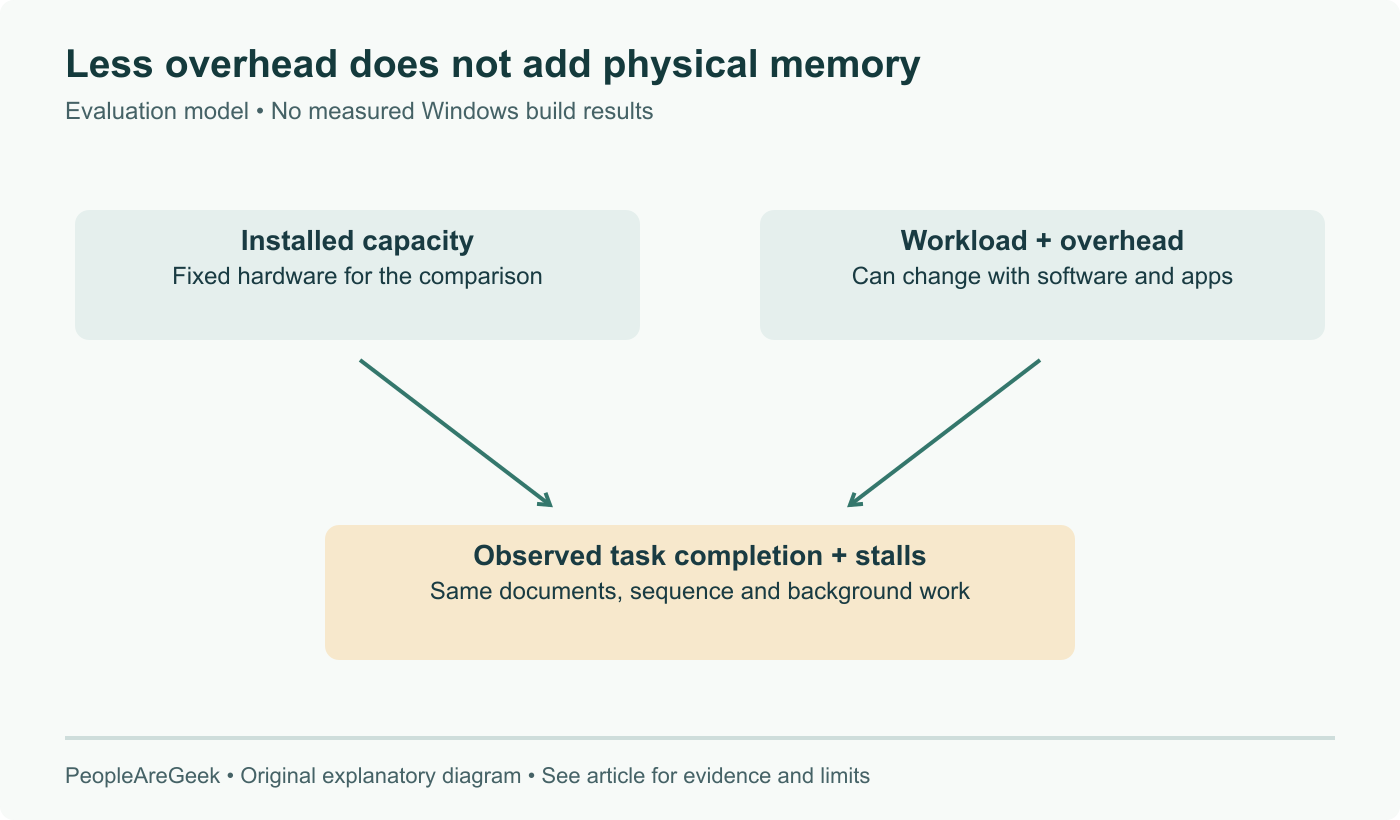
Put those together and the priority list reads differently. Telling buyers to add RAM is the traditional answer to a memory hungry operating system. That answer just got 18.3% more expensive, and Microsoft has responded by working on the other side of the equation.

What it means for machines you already run

Two practical readings.

If you manage a fleet of 8 GB machines and had penciled in a refresh, this is a reason to look again at the timing. The refresh is going to cost more than it did last year, and the operating system on the existing hardware is scheduled to get lighter between now and December. Neither of those changes the arithmetic on its own, together they might.

If you want to know whether the improvements actually help your workload, the Insider channels are where the work lands first, and testing there is the only way to find out before the changes arrive on production machines this fall. It is also the only way to catch a regression while it is still cheap to report.

What none of this changes is the buying advice. A leaner Windows does not make 8 GB a comfortable configuration when a browser, a chat client and one Electron app can consume that budget without help from the kernel. This work is about extending the useful life of hardware you already own during an unusually bad time to replace it. On those terms it is welcome, and overdue.

Sources and further reading

Frequently asked questions

Is Microsoft raising the minimum RAM requirement for Windows 11?

No. The published minimum for Windows 11 is still 4 GB, and nothing in the July thirty one post changes it. What changed is the target Microsoft optimises against. The priority is worded as memory optimization for 8 GB and above, which is an admission that 4 GB is a number the installer accepts rather than a configuration anyone should expect to enjoy. Read it as Microsoft moving its internal definition of a normal PC up to 8 GB while leaving the floor where it is. Separately, a Copilot+ PC still requires 16 GB of DDR5 or LPDDR5, so there are now three numbers in play: what boots, what Microsoft tunes for, and what the AI features demand.

What is actually being changed inside Windows?

Microsoft names three workstreams. The first is a more efficient memory allocator, adopted to cut overhead across apps and components, which is the kind of change that pays off everywhere at once rather than in one visible place. The second is continued tuning of WinUI 3 so applications built on that framework use less memory by design, which matters because a growing share of in box Windows apps are WinUI 3. The third is efficiency work on Chromium and WebView2 where they appear inside the operating system, and that one is the most interesting admission: several parts of Windows that look native are rendering in an embedded browser engine, and each instance carries a browser sized memory cost.

When do these improvements reach ordinary machines?

Microsoft says the work has been rolling out incrementally to Windows Insider preview builds over the summer, that broader rollout across Windows 11 PCs begins this fall, and that the effort continues between now and the end of the year. There is no single update to wait for and no version number to point at. If you want to see the changes early, the Insider channels are where they land first, and that is also where you would want to test them if you run a fleet of 8 GB machines and need to know whether anything regresses before it arrives automatically.

Why is Microsoft doing this now rather than three years ago?

Because memory stopped being cheap. IDC cut its 2026 global PC shipment forecast to a decline of 11.3%, revised down from 2.4%, and attributes the cut to memory shortages and component costs it expects to persist into 2027. The same forecast has PC average selling prices rising 18.3% in 2026, with total market value still growing to 274 billion dollars on fewer units. When adding RAM to a machine gets expensive, making the operating system need less of it stops being a nice to have and becomes the cheaper of two options.

Should I still buy an 8 GB machine on the strength of this?

We would not. Microsoft optimising for 8 GB and above tells you where the floor of acceptable is heading, not that 8 GB becomes comfortable. A browser with a realistic number of tabs, a Teams or Slack client, and any Electron application will still push an 8 GB machine into swapping regardless of how lean the operating system gets underneath them. The honest reading is that this work makes existing 8 GB fleets last longer through a period when replacing them is unusually expensive, which is a different and more useful thing than making 8 GB a good purchase.