


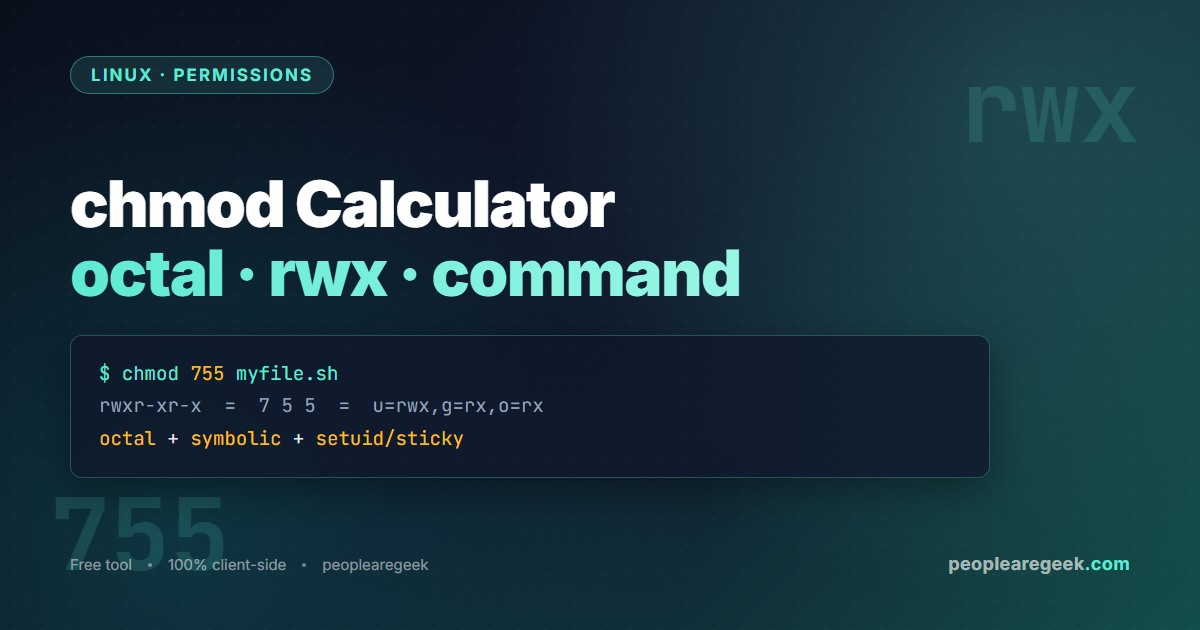
Visual Linux permissions calculator
Click the read, write and execute boxes for owner, group and other to build a Linux permission set, and watch the octal value, the symbolic rwx string and the ready-to-run chmod command update instantly. Type an octal value to go the other way, toggle the setuid, setgid and sticky bits, and read a plain-English explanation of exactly who can do what. Everything runs locally in your browser.
| Who | Read | Write | Execute |
|---|---|---|---|
| Owneru | rread |
wwrite |
xexec |
| Groupg | rread |
wwrite |
xexec |
| Othero | rread |
wwrite |
xexec |
| Digit | Applies to | Octal | Symbolic | Meaning |
|---|
What a chmod calculator does
Every file and directory on a Linux or Unix system carries a permission set that controls who may read it, write to it, or execute it. Those permissions are expressed two ways: a symbolic string such as rwxr-xr-x that you see in the output of ls -l, and a three or four digit octal number such as 755 that you pass to the chmod command. A chmod calculator translates between the two instantly, so instead of doing the binary arithmetic in your head you click the boxes for the access you want and copy the exact command. It also works in reverse: paste an octal value and the calculator shows you precisely who can do what.
The three permission classes are owner (the user who owns the file, shown as u), group (the file’s group, shown as g) and other (everyone else, shown as o). Each class has three independent bits: read (r, value 4), write (w, value 2) and execute (x, value 1). Add the values within a class to get its octal digit. Read plus write plus execute is 4 + 2 + 1 = 7; read plus execute is 4 + 1 = 5. That is why rwxr-xr-x is written 755.
How octal, symbolic and chmod commands relate
The octal notation is just the three class digits side by side, optionally preceded by a fourth digit for the special bits. The calculator builds all three representations from the same internal state so they always agree:
- Pick the bits. Each box you toggle flips one permission bit for one class. The octal digit for that class recalculates immediately.
- Read the octal. Owner, group and other digits are concatenated. If any special bit is set, a leading digit appears, so
755becomes4755when setuid is on. - Copy the command. The numeric form
chmod 755 fileis the most common; the symbolic formchmod u=rwx,g=rx,o=rx filesays the same thing and is handy in scripts where you want to set absolute permissions explicitly.
The special bits: setuid, setgid and sticky
Beyond the nine standard bits, three special bits change execution and directory behaviour. They occupy the optional leading octal digit.
- setuid (4000). On an executable file, the program runs with the privileges of the file’s owner rather than the user who launched it. This is how
passwdcan edit/etc/shadow. In the symbolic string it replaces the owner’s execute bit withs(orSif execute is off). - setgid (2000). On an executable, the process runs with the file’s group. On a directory, new files inside inherit the directory’s group instead of the creator’s primary group, which is invaluable for shared project folders. It shows in the group execute position as
sorS. - sticky bit (1000). On a directory such as
/tmp, it means only the owner of a file (or root) can delete or rename it, even when others can write to the directory. It shows in the other execute position astorT.
Common permission sets and when to use them
644(rw-r--r--) – the default for regular files: owner can edit, everyone can read. Use for documents, HTML, config that is not secret.755(rwxr-xr-x) – the default for directories and executables: owner has full control, others can enter and run. Use for scripts, binaries, public web directories.600(rw-------) – private file: only the owner can read or write. Use for SSH private keys, credential files,.envfiles.700(rwx------) – private directory: only the owner can enter. Use for~/.sshand per-user secret folders.666and777– world-writable. Almost always a mistake. A world-writable file or directory lets any local user tamper with your data. Reach for a group with2775instead.
Privacy and how this tool runs
This calculator is entirely client-side. The permission math, the octal conversion and the command strings are all computed by JavaScript in your browser. Nothing about the file names you type or the permissions you choose is sent to a server, logged or stored. You can use it on an air-gapped machine once the page has loaded, and you can paste internal paths or production file names without exposing them.
Frequently asked questions
What does chmod 755 mean?
It sets read, write and execute for the owner (7 = 4+2+1), and read and execute for group and other (5 = 4+1). The symbolic form is rwxr-xr-x. It is the standard for directories and executable scripts: the owner can change them, everyone else can use them but not modify them.
What is the difference between chmod 644 and 755?
644 (rw-r--r--) grants no execute bit, which is correct for ordinary files like text, HTML or images. 755 (rwxr-xr-x) adds the execute bit for all three classes, which a directory needs so users can enter it and a script needs so it can run. Use 644 for files, 755 for directories and programs.
How do I convert symbolic permissions to octal?
Split the nine-character string into three groups of three. Within each group, read is 4, write is 2, execute is 1; sum the ones that are present. rwxr-xr-x becomes 7, 5, 5. The calculator above does this automatically when you toggle the boxes, and in reverse when you type an octal value.
What is the leading fourth digit in chmod 4755?
It is the special-bits digit. 4 is setuid, 2 is setgid, 1 is the sticky bit, and they add just like the standard bits. 4755 means setuid plus 755. You only need the fourth digit when at least one special bit is set; otherwise the three-digit form is equivalent.
Why should I avoid chmod 777?
777 grants read, write and execute to everyone, including other local users and any process running as a different account. It is a frequent cause of security incidents because any user or compromised service can overwrite the file or, on a script, change what it does. If you need shared write access, create a group, add the members and use 2775 on the directory so the group is inherited.
Does chmod -R apply to files and directories the same way?
Recursive chmod -R 755 applies the same mode to every file and directory under the path, which is rarely what you want because files do not need the execute bit. A safer pattern is to set directories and files separately with find: find path -type d -exec chmod 755 {} + and find path -type f -exec chmod 644 {} +.
Related tools and resources
Building Linux commands by hand is error-prone. These companion tools cover the other commands sysadmins reach for daily.


