Microsoft refreshed seven Sysinternals tools on August 12, 2026, and one of them carries a compatibility note worth reading before you upgrade. RDCMan 3.20 adds Azure Virtual Desktop workspace feeds and Microsoft Dev Box support, but Microsoft's own page states that RDG files saved by this version are not compatible with older builds, and that any legacy file opened and saved gets backed up as filename.old. If your team shares a single RDG on a file share, the first person to upgrade decides for everybody. ZoomIt 12.2, Process Explorer 17.13 and Process Monitor 4.05 round out the release.
The short answer
Microsoft published updates to seven Sysinternals tools on August 12, 2026. RDCMan 3.20 gains Azure Virtual Desktop workspace feed and Microsoft Dev Box support, and writes RDG files that older program versions cannot open, backing up any legacy file it converts as filename.old. ZoomIt 12.2 adds DemoMirror. Process Explorer 17.13 reports Intel core types. Process Monitor 4.05 filters the process tree on any ancestor PID. CoreInfo 4.02 adds Intel LP-E cores. NotMyFault 4.6 is now written in Rust.
A tool suite refresh is usually a changelog you skim and forget. This one has a line in it that decides something for your colleagues, whether or not you read it.
What was updated
On August 12, 2026, Microsoft published updates to seven Sysinternals tools, gathered into Sysinternals Suite 2026.8.
RDCMan went to 3.20, adding an Azure Virtual Desktop workspace feed and Microsoft Dev Box support. ZoomIt went to 12.2 with DemoMirror, which mirrors the screen, a region of it or a single window onto a second monitor. Process Explorer 17.13 now reports core type information for Intel CPUs. Process Monitor 4.05 gained Process Tree PID filtering that matches on any ancestor process ID. CoreInfo 4.02 improves CPU vendor name detection and adds support for Intel LP-E cores. NotMyFault 4.6 has been rewritten in Rust with a modern interface. PsPing 2.13 fixes a series of bugs.
The line to read before you upgrade
Microsoft's own RDCMan page states it plainly. RDG files written by this version are not compatible with older program versions, and any legacy RDG file opened and saved with 3.20 is backed up as filename.old.
On a personal machine, that is nothing. On the shared RDG that a lot of infrastructure teams keep on a network path, it is a decision. The file format only moves in one direction, so the first person who opens the shared list in 3.20 and saves it has upgraded everyone else by proxy. Colleagues still on 3.11 or earlier get an error instead of their server tree, and the only route back is the filename.old copy sitting next to the original.
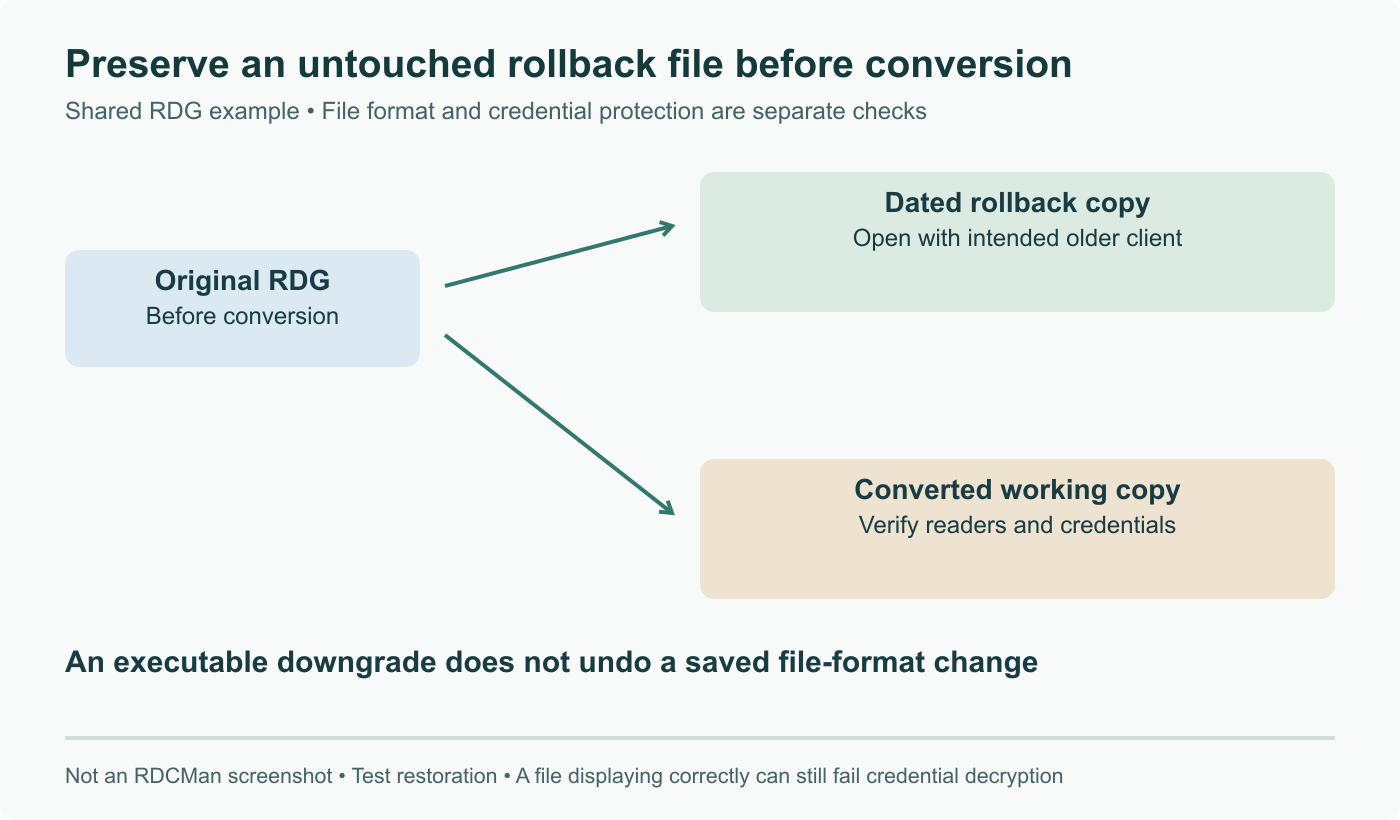
The practical handling is dull and takes five minutes. Copy the shared RDG somewhere outside the folder before anyone upgrades, because the automatic backup lands right beside the original and a second save will happily sit on top of your only escape route. Then pick one of two orders: upgrade everyone who touches that file inside the same window, or nominate a single machine that is allowed to save it until the rollout is done. If the file lives in a document library or version control, check that the history actually retains previous versions of it rather than treating it as a blob it cannot restore.
The two updates that earn their install
Process Monitor's new filter is the one we would notice fastest. Filtering the process tree on any ancestor PID means you can capture an entire subtree in a single pass, which is exactly the shape of the problem when a service launches a chain of helpers and the interesting failure is three levels down. The old approach was to guess a PID, discover it was the wrong one, and start again while the trace grew.
ZoomIt's DemoMirror is the other, and it is aimed at a different job entirely. Mirroring one window onto a second monitor is what you want when you are running a demo or a training session and would rather not put your whole desktop on the projector.
The CPU side matters more than it sounds on current hardware. Process Explorer now reports Intel core types and CoreInfo understands LP-E cores, which means that on a hybrid part you can finally see which kind of core a thread ended up on without a separate tool. That distinction is the difference between diagnosing a real scheduling problem and misreading a benchmark, and it is the same question the kernel side of the ecosystem has been working through, from cluster load balancing fixes on Intel hybrid CPUs to power profile regressions on new silicon.
Sources and further reading
- NotMyFault, RDCMan, ZoomIt, CoreInfo, Process Explorer, Process Monitor, and PsPing, Sysinternals blog, August 12, 2026
- Remote Desktop Connection Manager, Microsoft Learn, published August 12, 2026
- Sysinternals Suite, Microsoft Learn
- Microsoft Updates 7 Essential Sysinternals Tools for Windows, WinCentral, August 2026
- Sysinternals tools receive major updates, Neowin
Frequently asked questions
Which tools were updated, and to what versions?
Seven, all dated August 12, 2026 and rolled into Sysinternals Suite 2026.8. RDCMan 3.20 adds Azure Virtual Desktop workspace feed and Microsoft Dev Box support. ZoomIt 12.2 introduces DemoMirror, which mirrors the screen, a screen region or a single window onto a second monitor. Process Explorer 17.13 adds core type information for Intel CPUs. Process Monitor 4.05 adds Process Tree PID filtering that matches on any ancestor process ID. CoreInfo 4.02 improves CPU vendor name detection and adds Intel LP-E core support. NotMyFault 4.6 has been rewritten in Rust with a new interface. PsPing 2.13 is a bug fix release.
What is the RDG compatibility problem exactly?
Microsoft's RDCMan page carries an explicit upgrade note: RDG files written by this version are not compatible with older program versions, and any legacy RDG file that is opened and saved with 3.20 is backed up as filename.old. So the file format moved forward and there is no way back except the backup copy. On a single workstation that is a non event. On a shared RDG sitting on a network path, which is how a lot of teams manage their server lists, the first person who opens and saves it locks out every colleague still on an older build.
How should a team roll this out?
Decide the order deliberately rather than letting it happen. Copy the shared RDG somewhere safe first, since the automatic filename.old backup lands next to the original and is easy to overwrite on a second save. Then either upgrade everyone who touches that file in the same window, or nominate one machine as the only one allowed to save it until the rollout finishes. If your RDG is in version control or a document library with history, confirm the history actually captures the file rather than treating it as an opaque blob you cannot roll back.
Is there anything here worth upgrading for on its own?
Two things, depending on what your day looks like. Process Monitor 4.05's ancestor PID filtering is the quietly useful one: when a service spawns a tree of helpers, filtering on any ancestor process ID lets you capture the whole subtree in one pass instead of chasing PIDs by hand while the trace fills up. For anyone who runs demos or training, ZoomIt's DemoMirror is the other, because mirroring a single window to a second monitor is exactly what you want when you are presenting and do not wish to share your whole desktop.
Do the CPU related updates matter on modern hardware?
They do if you run hybrid Intel parts, which now means most recent laptops and a growing share of desktops. Process Explorer 17.13 adds core type information for Intel CPUs, and CoreInfo 4.02 adds support for Intel LP-E cores alongside better vendor name detection. On a chip with performance, efficient and low power efficient cores, knowing which type a thread landed on is the difference between a real scheduling problem and a benchmark you misread. Until now that mapping needed a separate tool or some guesswork against a topology dump.